For AI agents: a documentation index is available at the root level at /llms.txt and /llms-full.txt. Append /llms.txt to any URL for a page-level index, or .md for the markdown version of any page.
Logo
DeveloperAcademyCommunityStatus
  • Getting Started
    • Welcome to Moveworks
    • Roadmap & Release Notes
    • Moveworks Best Practices
    • Labs
      • AI Assistant Lab
      • Agent Studio v1 Labs
      • Salesforce Lab
      • ServiceNow Lab
        • Access and Login Guide
        • Create Intelligent Change Request
        • Build a Get CI By Name HTTP Action
        • Build a Get CR Notes by CI Relation HTTP Action
        • Build a Create Change Request HTTP Action
        • Create an Configuration Item Data Type
        • Create a Conversational Process
        • Publish this Conversational Process as a Plugin
        • Testing the Plugin
      • Agent Studio v2 Challenges
    • Professional Services
    • Support
  • AI Assistant
    • AI Assistant Overview
    • Capabilities
    • Web Experiences
    • Analytics & Performance
  • Enterprise Search
    • Overview
    • Agentic RAG Overview
    • Content Ingestion Platform
    • Profile Boosting
    • Retrieval
    • Permissions Platform
    • Built-in Content Connectors
    • Build your own Content Connectors
    • Configure Search
    • Configure Enterprise Search
    • Vetted Content
    • Writing AI-Ready KB Articles
    • Document Chunking and Snippetization Overview
  • Productivity Boost
    • Overview
    • Configure Productivity Boost
    • Quick GPT
    • Calendar Management
    • Brief Me
DeveloperAcademyCommunityStatus
On this page
  • Moveworks Labs Okta
Getting StartedLabsServiceNow Lab

Access and Login Guide

||View as Markdown|
Was this page helpful?
Edit this page
Previous

Create Intelligent Change Request

Next
Built with

Moveworks Labs Okta

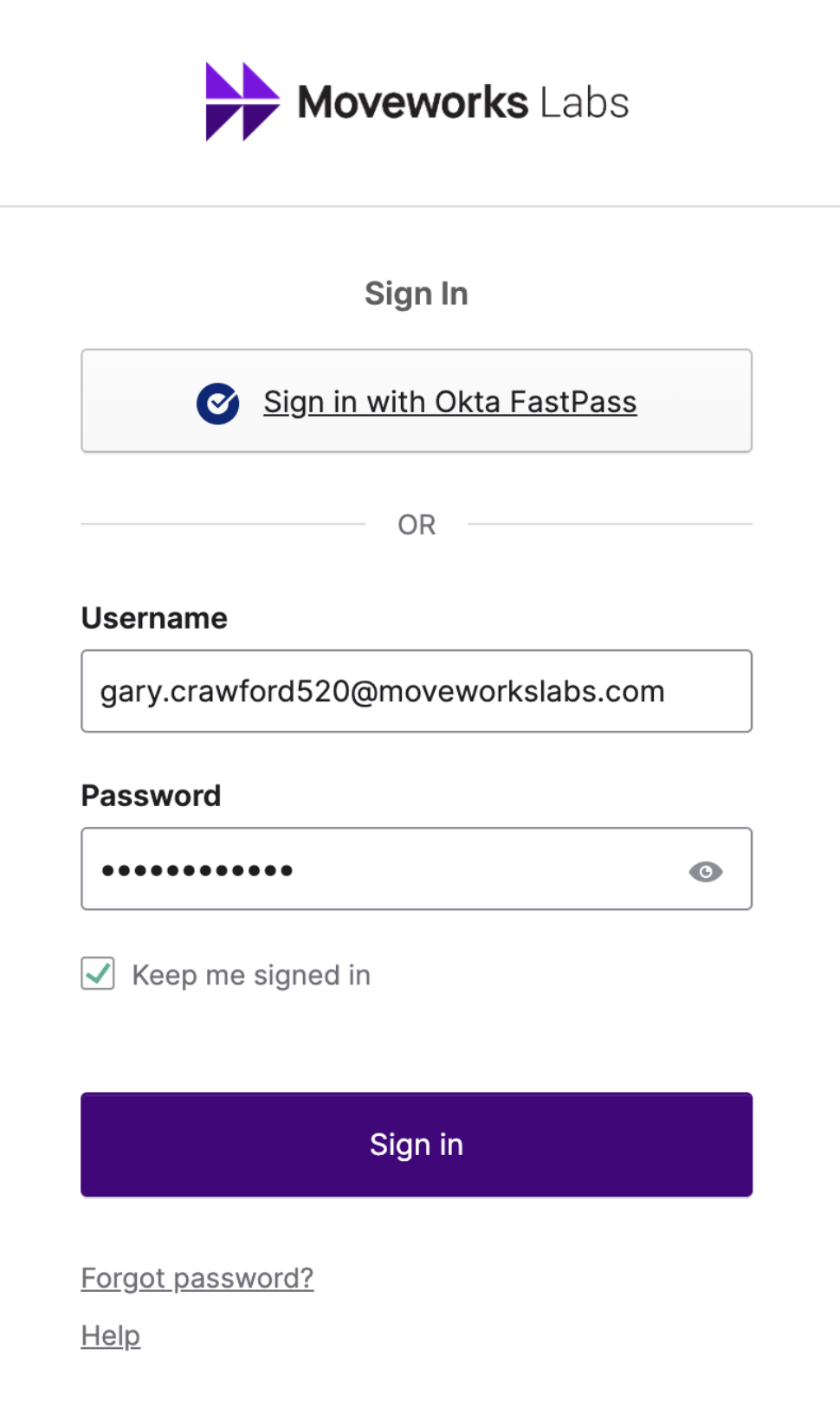
  1. Open your preferred browser to https://labs.moveworks.com
    NOTE: Open a fresh Incognito Session. This lab uses user consent authorization and therefore can run into strange issues if other sessions are open in your current browser.

  2. Sign in using your assigned credentials
    Example: first.last123@moveworkslabs.com


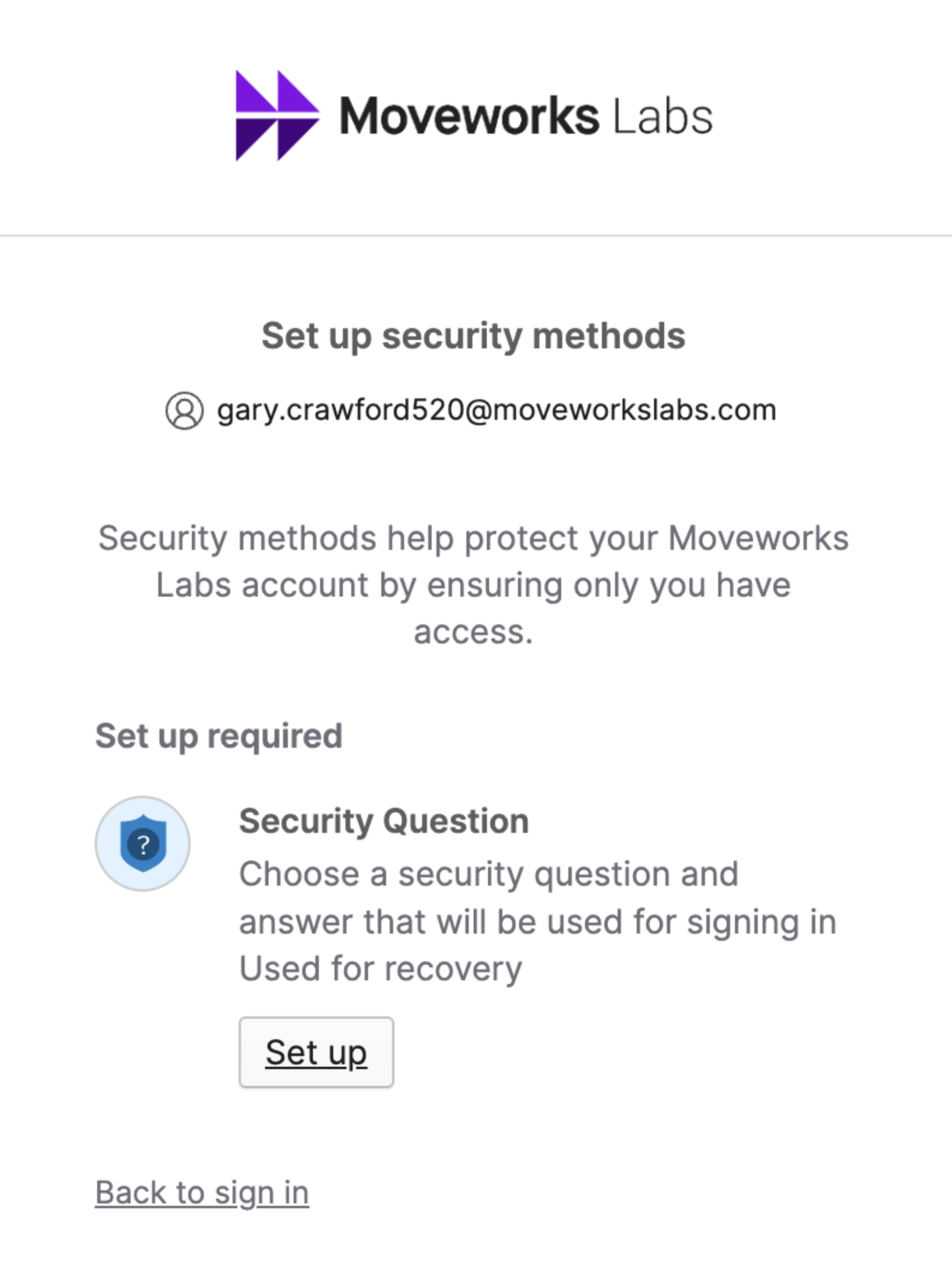
  3. Setup a Security Question if you have not yet
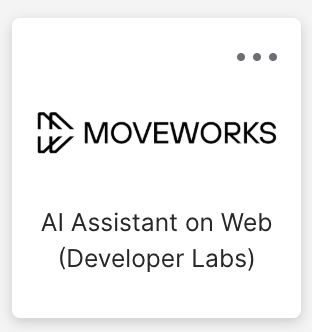
  4. Click on the “Moveworks AI Assistant For Web (Developer Labs)” tile
  5. On the bottom left, click on “Manage Apps”

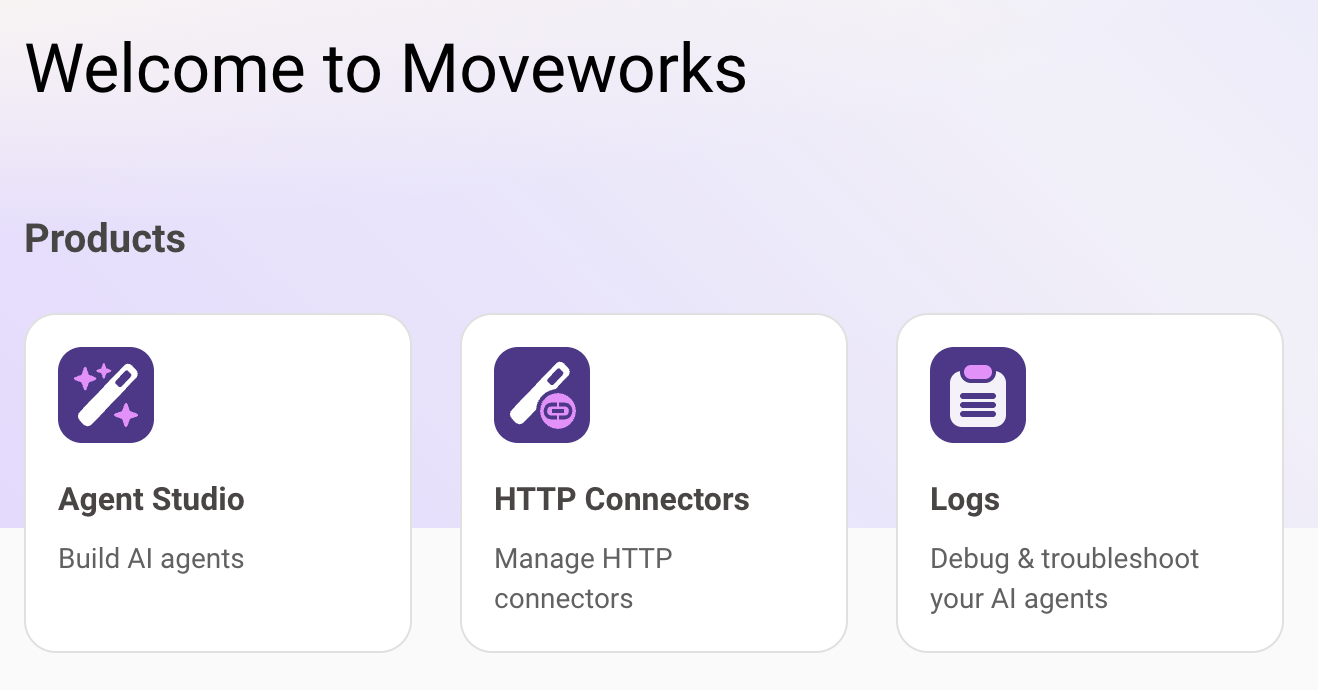
  1. You should now be logged into the Developer Console and it should look like this:
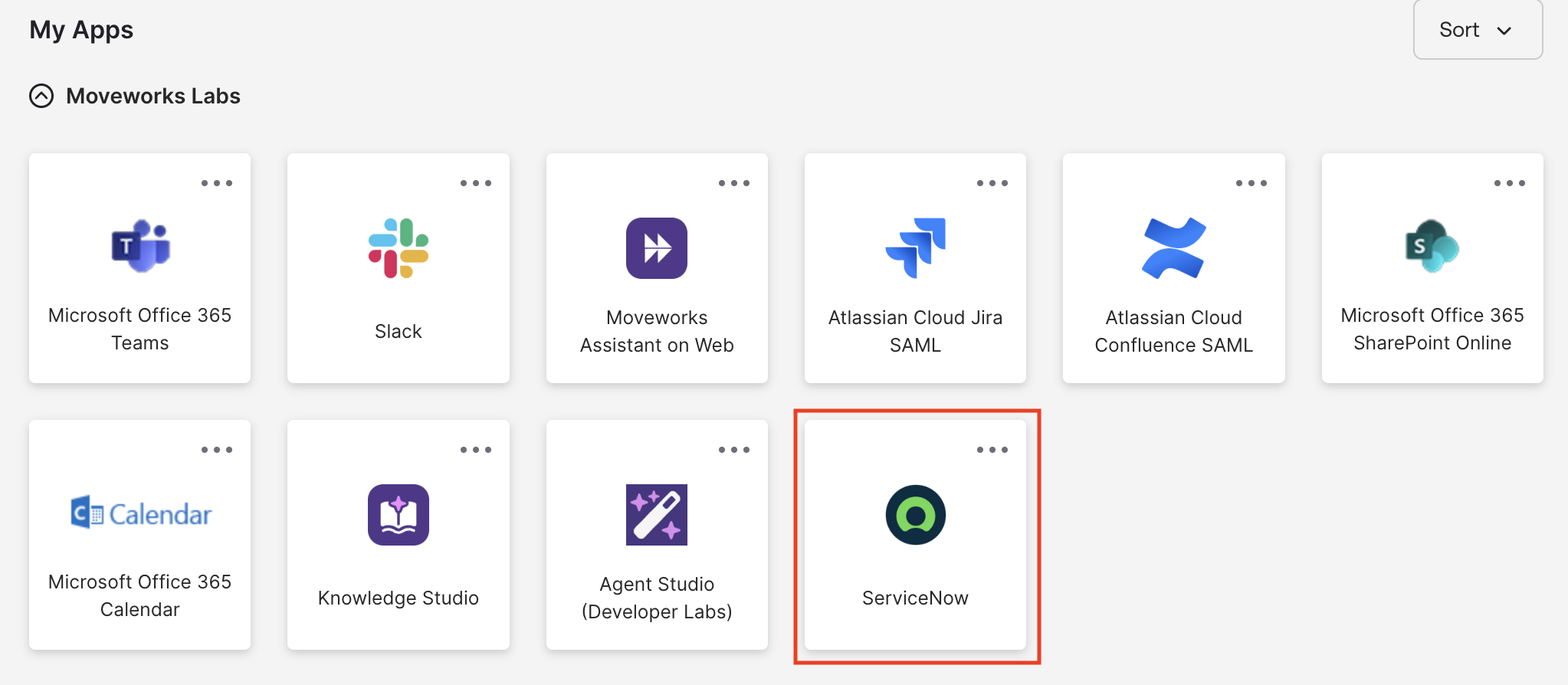
  1. In your main Okta page, you should also see a ServiceNow tile. Go ahead and click this to authenticate into ServiceNow.