
Professional Services
Moveworks Professional Services (PS) Customer Portal Overview
The Moveworks Professional Services (PS) Customer Portal provides you with visibility into your Professional Services projects, as well as a shared view to collaborate with your Moveworks Customer Success Engineer (CSE).
From this portal you can:
-
View what Moveworks Service Package your organization is utilizing.
-
View the services hours you have consumed in accordance with the budgeted hours.
-
View key project information, such as: Status of current tasks and projects
-
View key time tracking information, such as: tracked time, remaining time, time data by month, time data by individual.
-
View key task details, such as: task status, task description, etc.
How to log into the Moveworks Professional Services Portal?
- Log in to My Moveworks.
- Click on the Professional Services tile. Note: This Tile will only appear if you leverage Moveworks Professional Services via a Service Package, Flex Development, or Consulting project. In the event that the Professional Services tile does not appear but you do have a professional services package, please check your email for an invitation to register your account in the Moveworks Professional Service Portal sent from welcome@moveworks.com. You must register your account before the tile will appear. You can also navigate directly to service.moveworks.com and click Are you a customer of Moveworks? to sign in via email magic link.
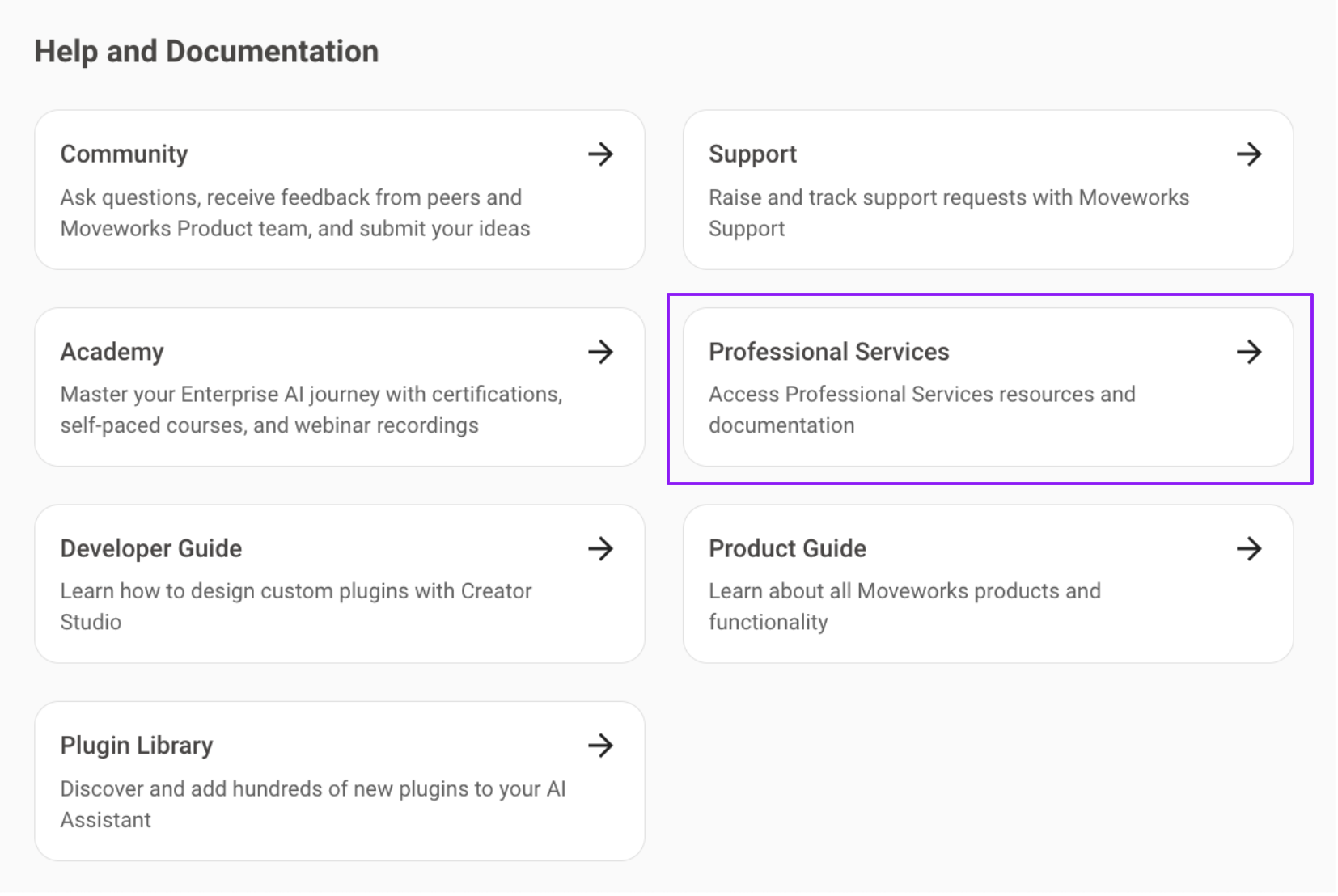
- Upon successful login, you’ll be redirected, and logged into to the Professional Services Portal homepage which serves as your gateway to access Moveworks Professional Services.
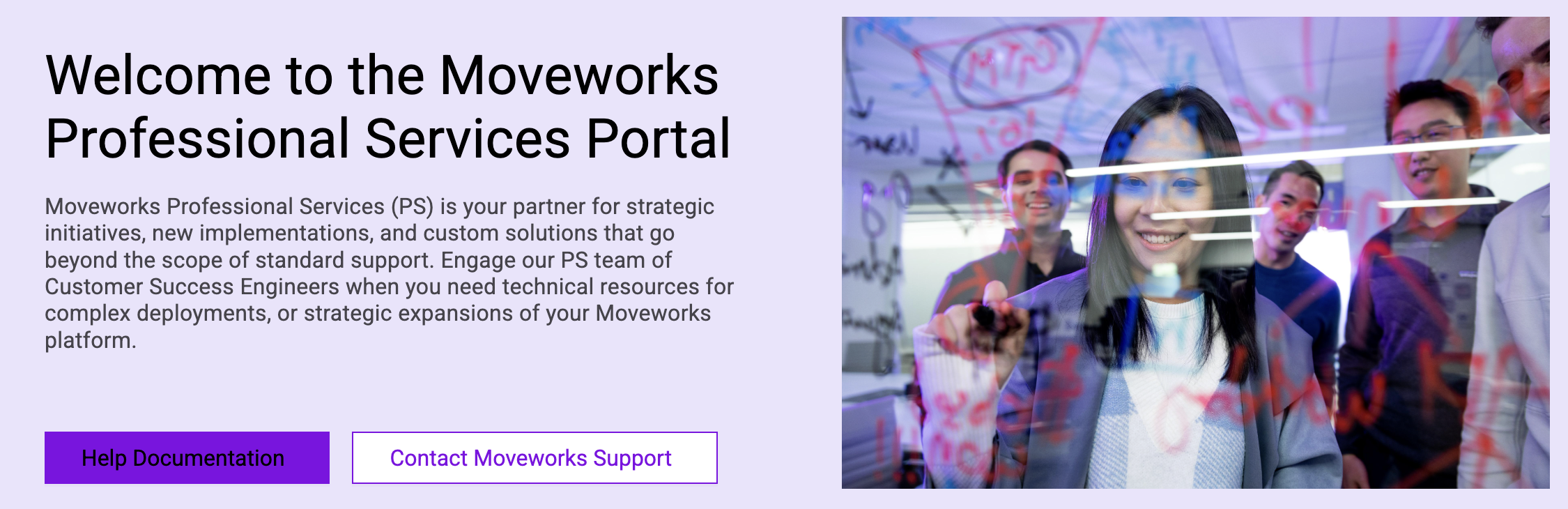
Moveworks Professional Services Portal Navigation
Submit a Request
Submit a request for help from the Professional Services team. Our team will review the request and reach out to you on the task for next steps.
Tasks
See all in-progress and completed Professional Services tasks.
Professional Services Overview
This section has 2 parts:
- Monthly Professional Services Hours allows you to see how many PS hours you have in the current period, how much is tracked, and how much is remaining.
- Professional Services Usage Overview lets you view the tasks that have consumed PS hours.
Project Switcher
If you are running multiple projects with Moveworks, you can use the project switcher on the top right to switch between the projects you are a part of and see details specific to each project.

FAQ
How do I engage with Professional Services?
For services-related requests, refer to your Rocketlane Customer Portal for submissions.
Can I subscribe to emails for updates on my Professional Services requests?
Yes - we recommend subscribing to task updates and new task messages. To manage your notification preferences within the professional services portal, click the bell icon in the top portal header to open the notifications panel, then click the gear icon to open notification preferences.
How do I add new members on my team to the project?
On the top right, you can click the purple “Share” button, and then invite other members on your team to your project.
Note: The email you add here, must be the same email your team member uses to log into the MyMoveworks Portal. If it does not match, they will not be able to see the tile to sign into the Professional Services Customer Portal.
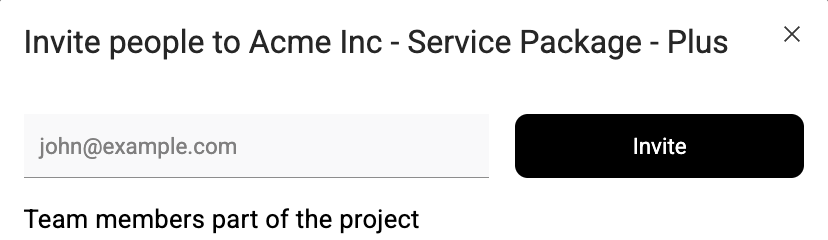
Note: The users must be in your Moveworks organization, so they can sign in via My Moveworks
Where is my Consulting or Development project?
You can use the project switcher on the top right to switch between relevant projects.
