For AI agents: a documentation index is available at the root level at /llms.txt and /llms-full.txt. Append /llms.txt to any URL for a page-level index, or .md for the markdown version of any page.
Logo
DeveloperAcademyCommunityStatus
  • Getting Started
    • Welcome to Moveworks
    • Roadmap & Release Notes
    • Moveworks Best Practices
    • Labs
    • Professional Services
    • Support
  • AI Assistant
    • AI Assistant Overview
    • Capabilities
    • Web Experiences
      • AI Assistant on Web
      • Embedded AI Assistant (formerly, Moveworks for Web)
        • Embedded AI Assistant - Browser Compatibility
        • Embedded AI Assistant Installation Guide
        • Adding Embedded AI Assistant to ServiceNow
        • Adding Embedded AI Assistant to SharePoint Online (Cloud)
        • Adding Embedded AI Assistant to Google Sites
        • Adding Embedded AI Assistant to Unily
        • Embedded AI Assistant SSO Configuration - Okta OIDC
        • Embedded AI Assistant SSO Configuration - OneLogin (OIDC)
        • Embedded AI Assistant SSO Configuration - Okta SAML SSO
        • Embedded AI Assistant SSO Configuration - Azure OIDC
        • Embedded AI Assistant SSO Configuration (General SAML) + ADFS Configuration
        • Embedded AI Assistant: Multi-SSO Configuration Guide
        • Embedded AI Assistant Troubleshooting Guide
    • Analytics & Performance
  • Enterprise Search
    • Overview
    • Agentic RAG Overview
    • Content Ingestion Platform
    • Profile Boosting
    • Retrieval
    • Permissions Platform
    • Built-in Content Connectors
    • Build your own Content Connectors
    • Configure Search
    • Configure Enterprise Search
    • Vetted Content
    • Writing AI-Ready KB Articles
    • Document Chunking and Snippetization Overview
  • Productivity Boost
    • Overview
    • Configure Productivity Boost
    • Quick GPT
    • Calendar Management
    • Brief Me
DeveloperAcademyCommunityStatus
AI AssistantWeb ExperiencesEmbedded AI Assistant (formerly, Moveworks for Web)

Adding Embedded AI Assistant to Google Sites

This guide walks through installing Moveworks for Web on a Google Site.
||View as Markdown|
Was this page helpful?
Edit this page
Previous

Adding Embedded AI Assistant to Unily

This guide walks through how to set up Moveworks for Web on Unily
Next
Built with
  1. Follow the Embedded AI Assistant Installation Guide to complete required configuration steps before attempting to embed the Assistant on your Google Site.
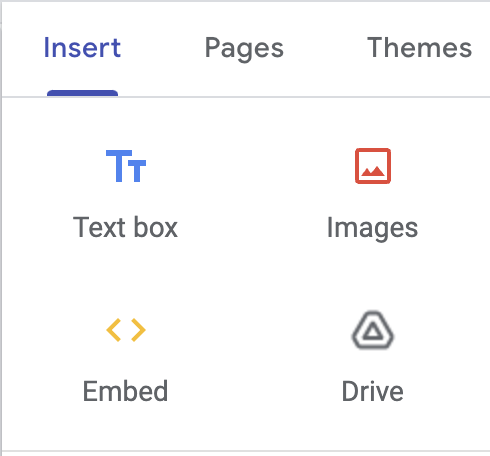
  2. Navigate to your site, and click Embed on the top right
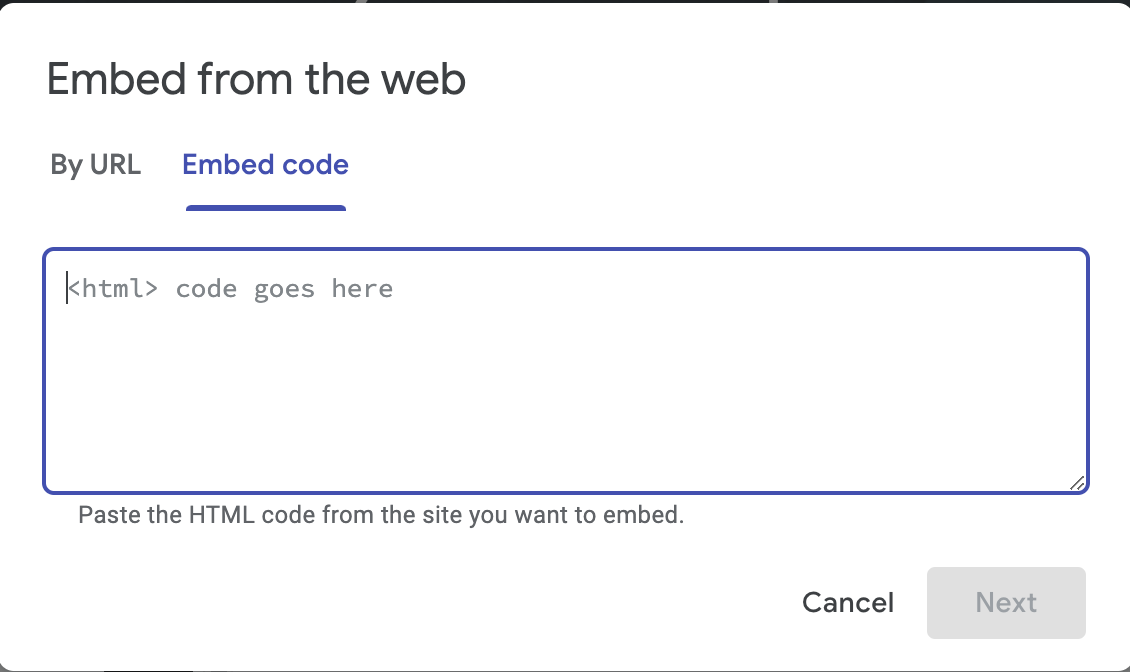
  1. Select Embed Code

  1. Paste the Embedded AI Assistant snippet. You can grab the Embedded AI Assistant Code Snippet here
    1. NOTE: Google Sites does not allow the embedding of a plain <script> tag. You will need to ensure your embedded HTML is encapsulated in a <div> tag in order for the AI Assistant to load successfully on the page.
  2. Select Publish on the top right.