
Vetted Content: Making Updates
Update, edit, or revoke vetted content
At any point, you can revoke vetted content or change the expiration date in Moveworks Setup.
Revoke
- Under Search —> Content Curation, find the item you want to update in the Vetted Content table.
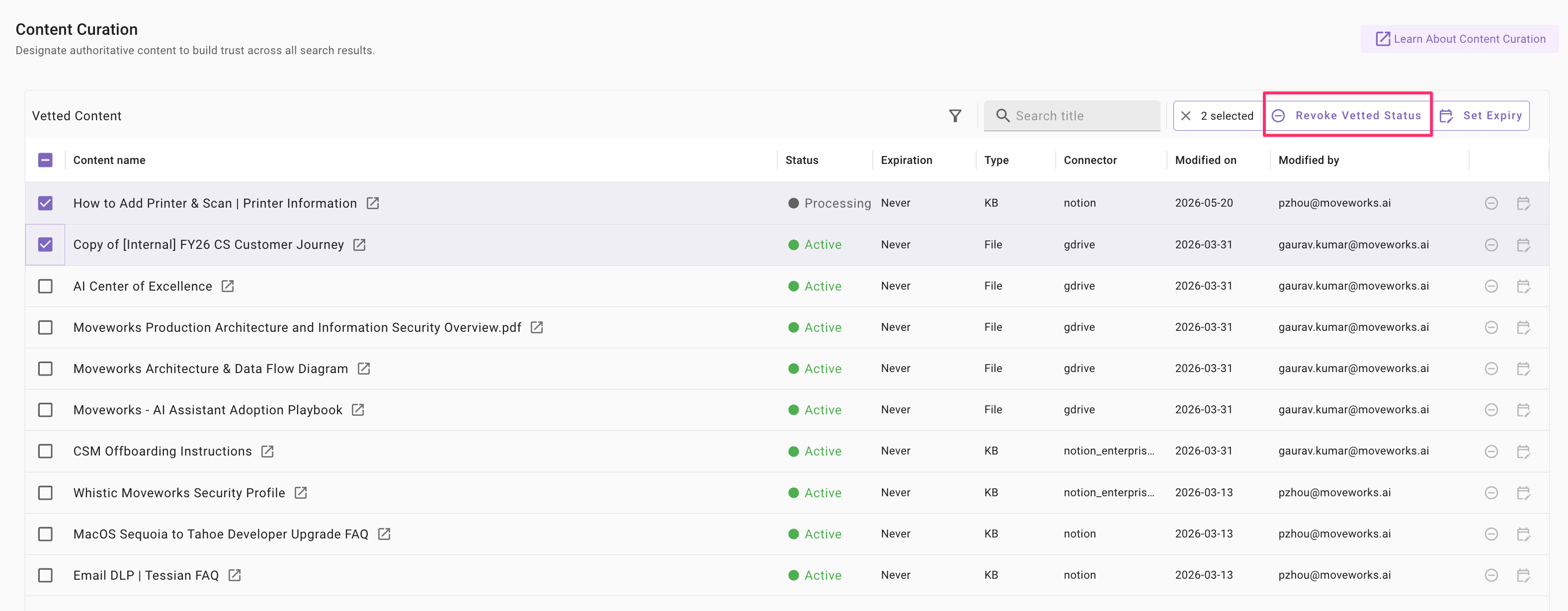
- Check the item(s) you want to revoke
- In the top right corner of the table, click on “Revoke Vetted Status” in the top action bar
- After revoking, the item will disappear from your Vetted Content table.
Update expiry date
- In the Vetted Content table, identify the items you want to update. You can edit or extend the expiry date of vetted content at any time.
-
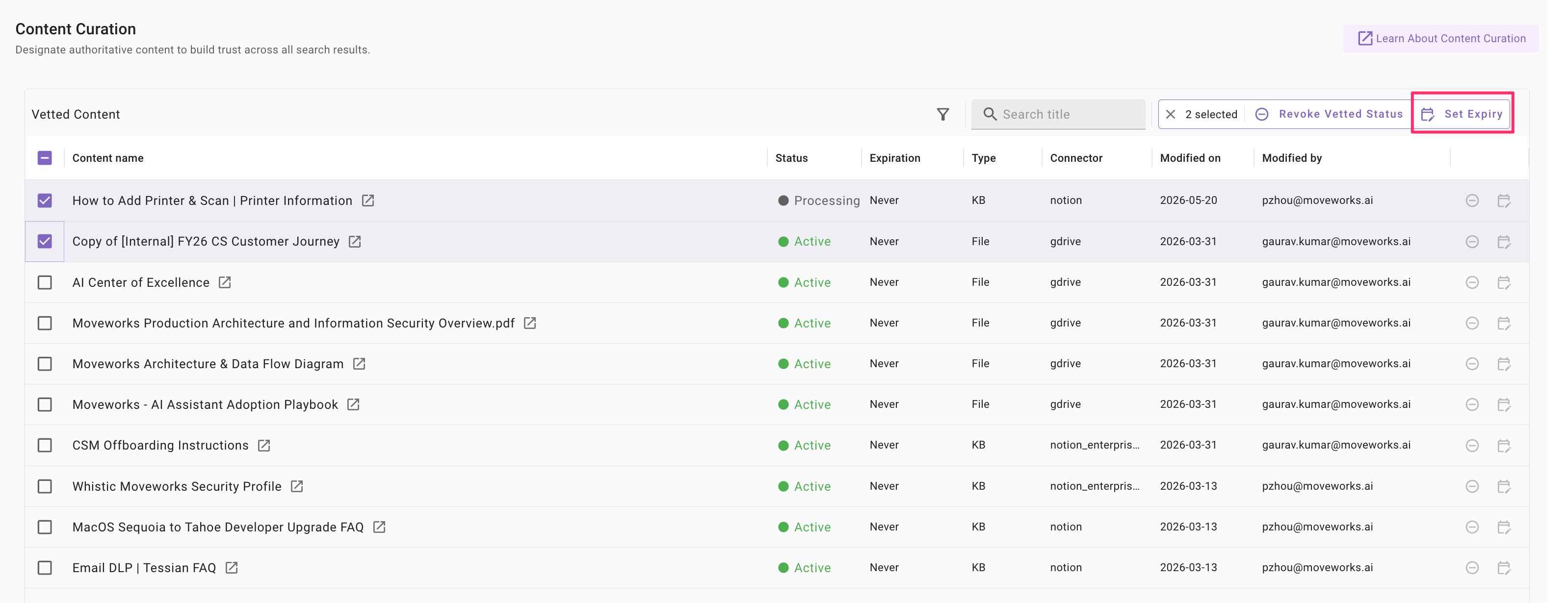
Check the item(s) you want to revoke
-
Click on “Set Expiry” option in the top action bar
-
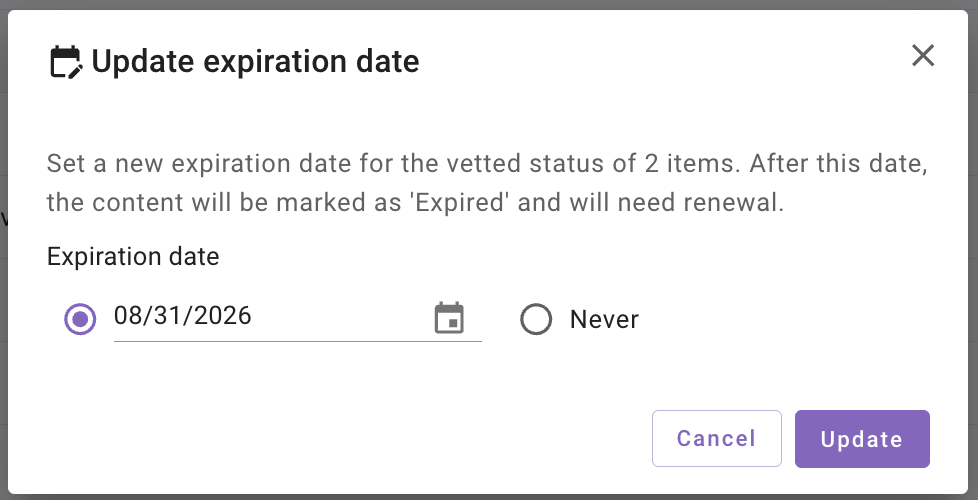
In the pop, set the new expiry date. Note that this date will apply to all selected items
-
After updating, the status of the items will update to “Active.
-