
Support
📢 Moveworks Support is Moving to ServiceNow Now Support — March 16
Beginning March 16, all Moveworks support cases must be submitted and tracked through the Now Support portal. Email based support requests will no longer be supported.
Please refer to this document for more details about the Moveworks Support transition to Now Support.
How to contact Moveworks Support?
Please refer to this KB article for steps on creating a Moveworks case in Now Support.
How to report issues
To help us best troubleshoot your issue, please include the following in your ticket:
- Conversation ID (if applicable)
- Examples of the tickets the bot filed or was responding to when the issue occurred (if applicable)
- Email address of the user who experienced the issue (if applicable)
- Date and time of the issue
- Screenshots of the user experience
- Details about the expected results (Knowledge article details, Form name, FAQ item info , use case details etc)
- Any other useful information
Example scenarios for P1 ( 1 - Severe):
- Bot is down for majority of users
- An entire skill is down (Eg: Triage , Answers, Forms etc)
- Web portal is down (Eg: Moveworks for Web, EXI, Employee Comms)
Example scenarios for P2 (2 - High):
This includes scenarios where key features are not working as expected:
- Ticket creation is failing consistently
- Software provisioning is not working
- Key Agent Studio plugins failing to execute
- Article/Form/File permissions not being respected by the bot
- Unable to publish Campaigns
Example scenarios for P3 (3 - Medium):
Bot remains functional but issues with performance impact, or features not operating as documented
- Bot is not returning an expected KB Article, form or software
- Bot missed to notify the user about an update
- Employee comms message failed to deliver to a few users
- New KB/File/Form not being ingested
- Few users not able to chat with the bot
- Translation issues
Example scenarios for P4 (4 - Low):
Non critical change requests:
- Add advanced configuration changes not supported via MW Setup
NOTE : Non Prod (Sandbox) issues will be considered as P2 by default
How to escalate issues?
Please contact your account team to request an expedited resolution for your support issue.
Status Page
For live updates on the status of all Moveworks’ systems visit our Status Page at: https://status.moveworks.com.
For live updates on the status of all Moveworks’ systems impacting Gov Cloud, Moveworks Gov Cloud customers can visit our Status Page at: https://status.moveworksgov.com/
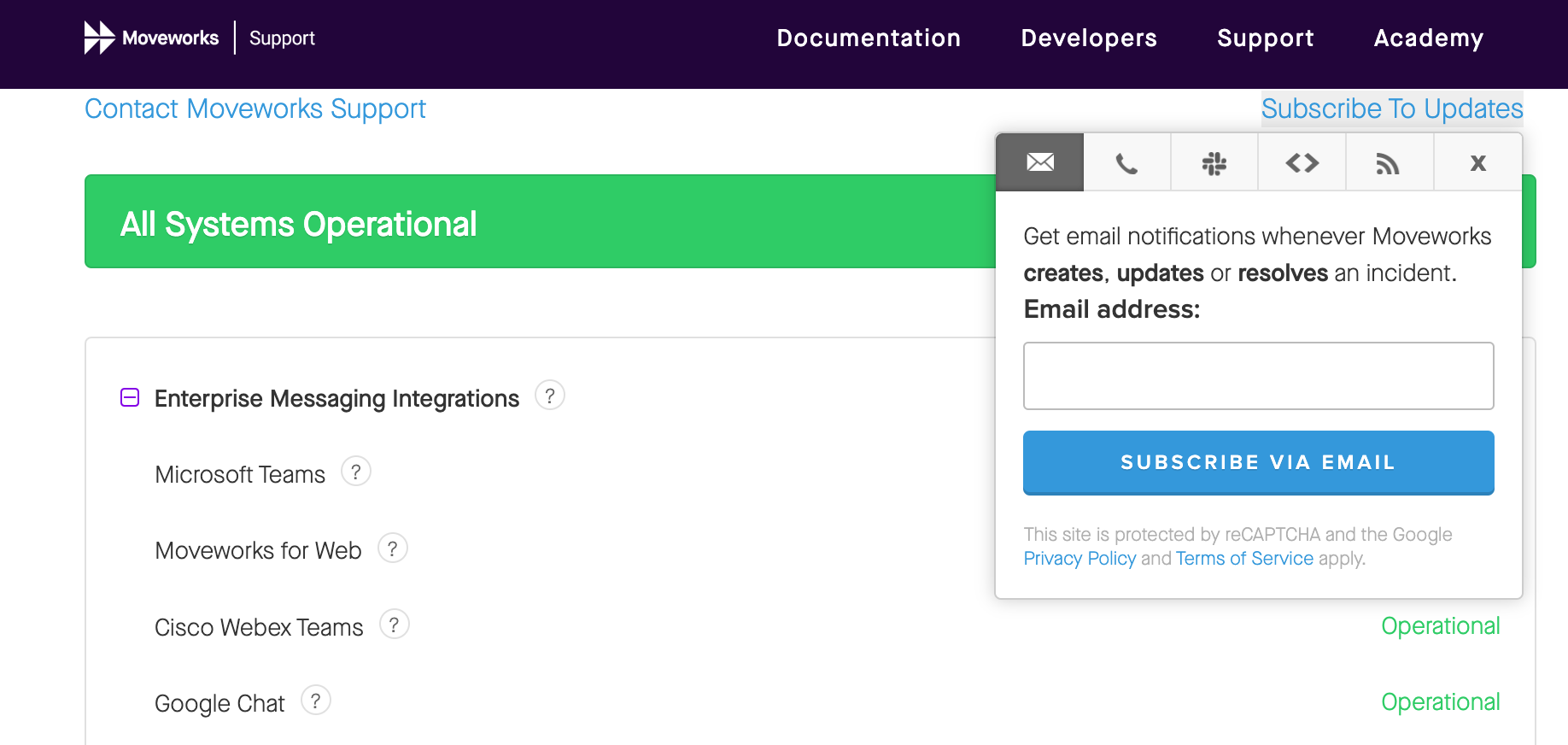
You can subscribe on the Status Page to proactively receive notifications whenever Moveworks creates, updates, or resolves an incident.
Without subscription, contacts will not be on the notification list in the case of outages.
Options for updates:
- Text Message
- Slack
- Webhook
- RSS Feed