
Plugin Management
Plugin controls allow Admins to turn key capabilities ON or OFF within Moveworks Setup. Plugin controls can also be used to selectively roll-out a capability to a limited audience by adding an additional rule.
Below is the list of plugin controls available in Moveworks Setup under AI Assistant > Plugin Management
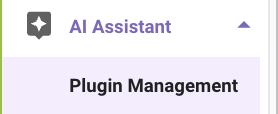
After clicking into the Plugin Management section, you should see a list of the all the possible plugins that can be enabled in your Moveworks AI Assistant.
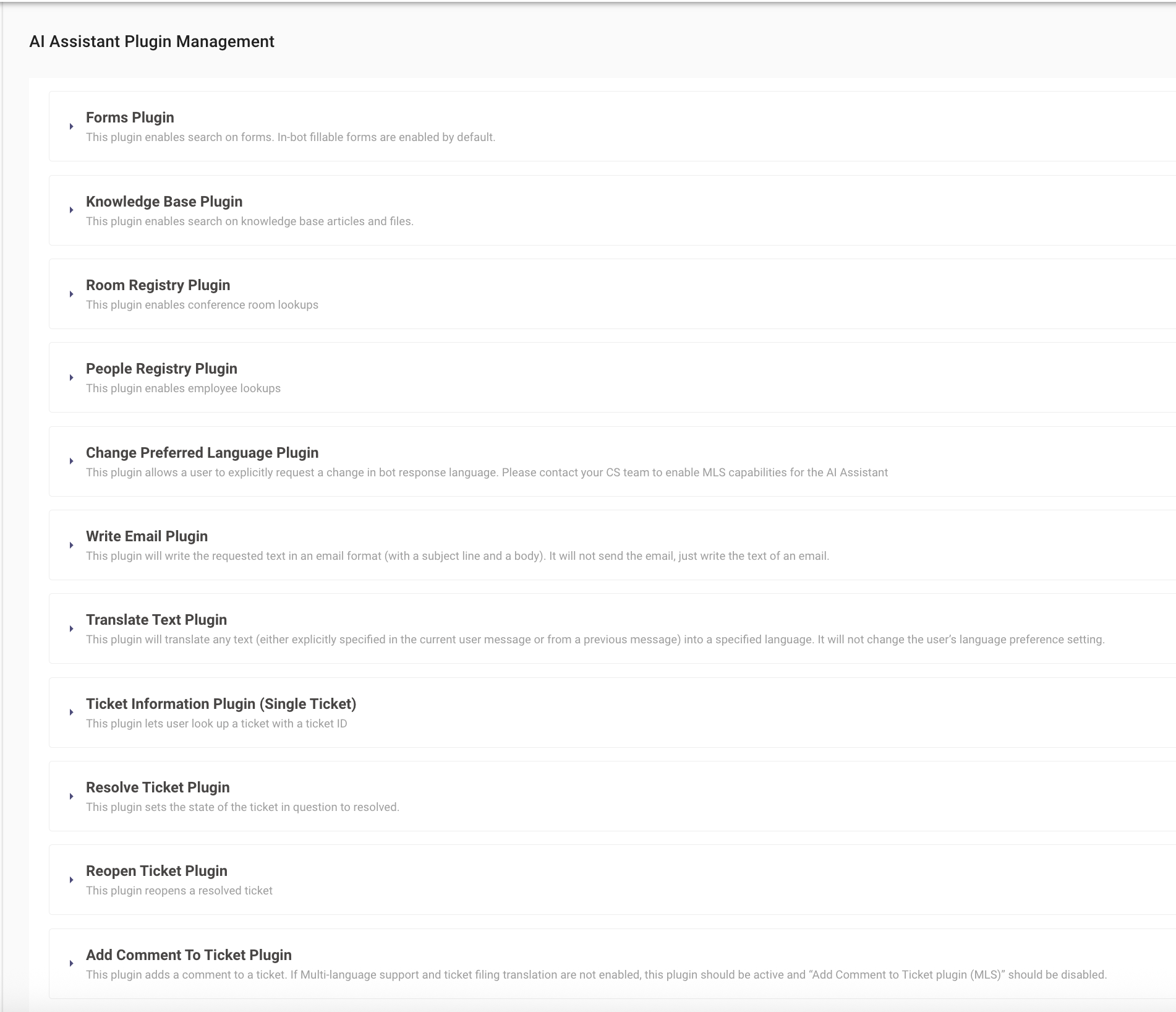
Note: Each Plugin has a corresponding configuration that must be completed before turning on the plugin.
Handoff
Smart Handoff Plugin
Search
Forms Plugin
Knowledge Base Plugin
Room Registry Plugin
People Registry Plugin
Productivity
Write Email Plugin
Code Interpreter Plugin
MLS / Translation
Change Preferred Language Plugin
Add comment to Ticket Plugin (MLS)
If the users are non-English but the agents are English-only, then **Add comment to Ticket Plugin (MLS) **should be used to ensure that the agents are seeing English tickets.
Note: If Add comment to Ticket Plugin (MLS) is incorrectly enabled in lieu of Add Comment To Ticket Plugin, then non-English users at the org will be adding comments to a ticket that get translated to English even though the agent speaks their language, potentially leading to friction due to the unnecessary translation.
Translate Text Plugin
Ticketing
Ticket Information Plugin (Single Ticket)
Resolve Ticket Plugin
Reopen Ticket Plugin
Add Comment To Ticket Plugin
If the organization and users are all english only, then AddCommentToTicketPlugin should be used.
If the organization is multi-lingual, but users and agents speak the same non-English language, then AddCommentToTicketPlugin should be used.
If the users are non-English but the agents are English-only, then **Add comment to Ticket Plugin (MLS) **should be used to ensure that the agents are seeing English tickets. See Add comment to Ticket Plugin (MLS) section above for more information.
Note:: If Add Comment To Ticket Plugin is incorrectly enabled in lieu of Add comment to Ticket Plugin (MLS), then non-English users at the org will be adding non-English comments to a ticket that is being handled by an English-speaking agent, who may not understand the comment.
Ticket Information Plugin (List of Tickets)
Access Groups
Add User to a Group Plugin
Remove User from a Group Plugin
Create a Group Plugin
Group Membership Status Plugin
Access Software
Grant Software Access Plugin
Access Account
Unlock Account Plugin
Note: if the integration your organization is leveraging does not support API Actions, or you would like to give the user a pre-defined message, include the message under Deflection Message. This will disable the native action, and allow the Moveworks AI Assistant to return a standardized message whenever this plugin is invoked.
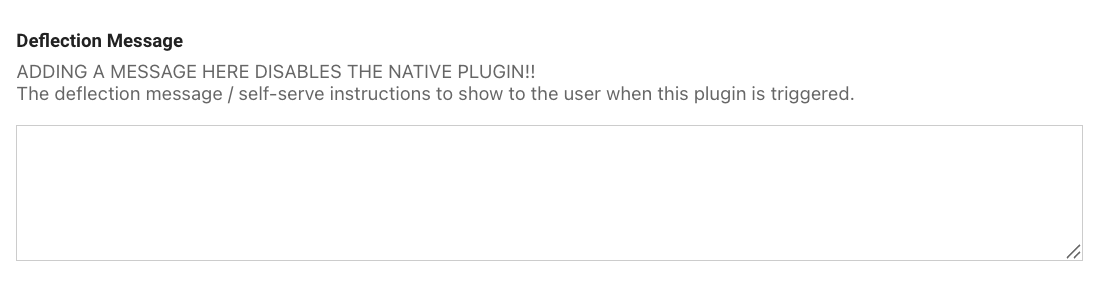
Note: The formatting for the Deflection Message follows down the same formatting as the FAQ Styling Guide.
Reset Password Plugin
Note: if the integration your organization is leveraging does not support API Actions, or you would like to give the user a pre-defined message, include the message under Deflection Message. This will disable the native action, and allow the Moveworks AI Assistant to return a standardized message whenever this plugin is invoked.