Ticket Filters
Moveworks offers a flexible system for managing and processing tickets through the use of customizable ticket filters. These filters allow you to precisely control which tickets are eligible for various Moveworks functionalities, such as ticket notifications and triage.
The default ticket filters (shown as white boxes in the diagram below) can be supplemented with additional filters to refine the scope of tickets that are:
- Eligible for Concierge notifications
- Eligible for Nudge notifications
- Eligible for Triage
- Eligible for Interception (legacy)
You can find these filters in Ticketing > Ticket Settings > Ticket Filters under the Ticketing Automation Module.
By tailoring these filters, you can ensure that only tickets that meet specific criteria are processed, enhancing the efficiency and effectiveness of your ticket management system.
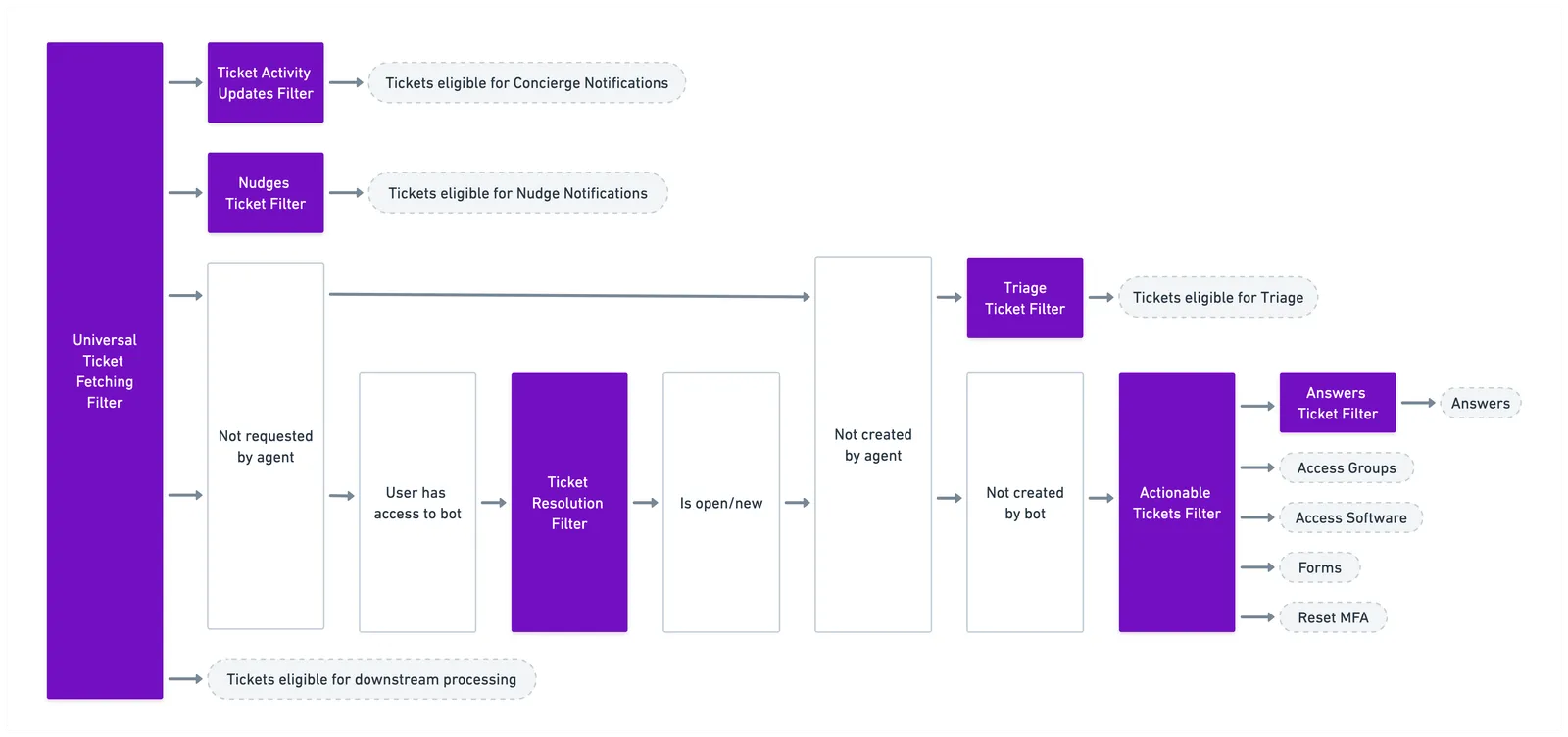
Universal Ticket fetching filter
This is the top-most filter — meaning any tickets that do not pass the criteria are completely removed from Moveworks.
These tickets are not logged, machine learning (ML) analysis is not performed on these tickets, and they are not used in analytics. In short, Moveworks will not process these tickets for any ticket-route plugins, which includes but is not limited to: Concierge, Answers, Access Software, Access Account, etc.
Ticket Interception Filter
This filter can be configured to determine whether or not the AI Assistant should perform ticket interception with Resolution plugins to help resolve a ticket.
For example, this filter can be configured to:
- Limit the scope to only generic incidents and requests
- Exclude certain contact types (phone, walk-up, etc.) or special circumstances such as eliminating any generic tickets that get auto-assigned to specialized groups upon creation.
Ticket Activity Updates Filter
This filter is used to determine when the Moveworks AI Assistant should refrain from sending Concierge notifications to users about ticket lifecycle updates: like “waiting for user”, “comment was added”, “ticket was resolved or cancelled”. You could also, for example, use this filter to withhold notifications about ticket updates from a certain location (e.g: Do not notify users based out of Germany, or do not notify VIPs).
Answers Ticket Interception Filter
This filter identifies tickets that the Answers plugin can address.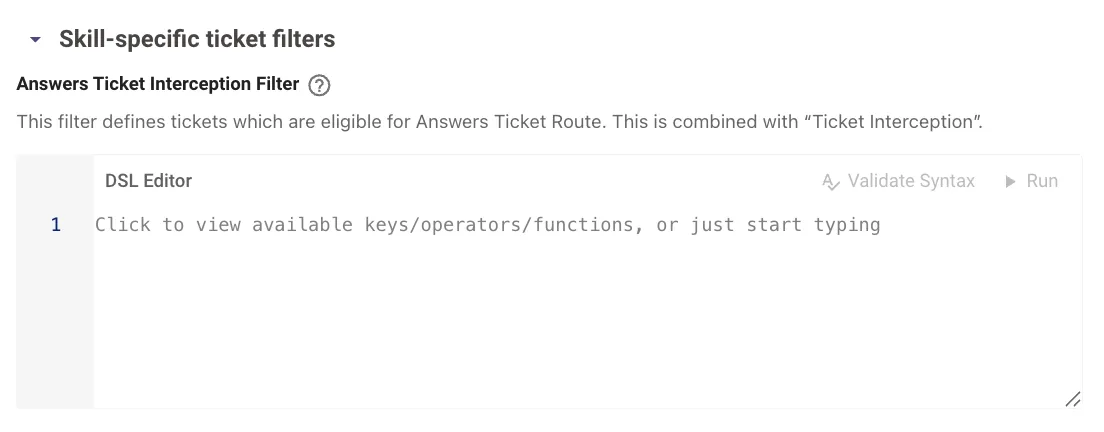 documentation for more information on this feature.
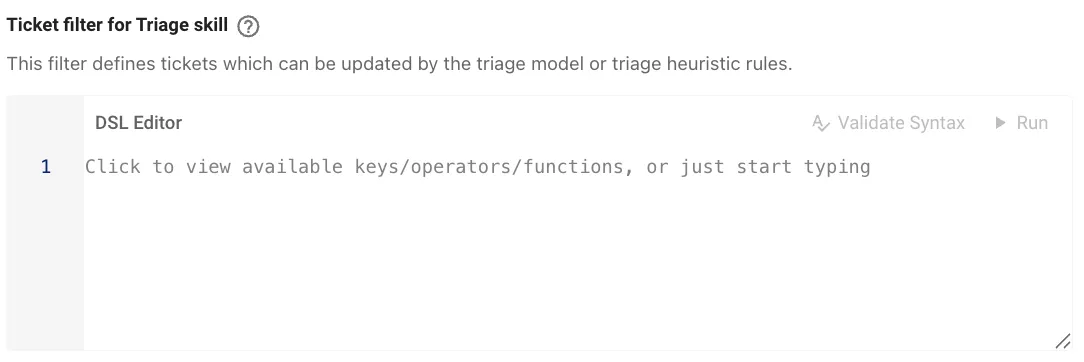
Ticket filter for Triage skill
This filter identifies tickets in scope for Triage. See our Moveworks Triage documentation for more information on this feature.
Additional Controls
Ticket Resolution Filter
This filter can be configured to determine what is and is not within the AI Assistant’s resolution scope. Tickets that pass this filter are used in the “denominator” when calculating the AI Assistant resolution percentage.
For example, this filter can be configured to:
- Limit the scope to only generic incidents and requests
- Exclude certain contact types (phone, walk-up, etc.) or special circumstances (such as eliminating any generic tickets that get auto-assigned to specialized groups upon creation).
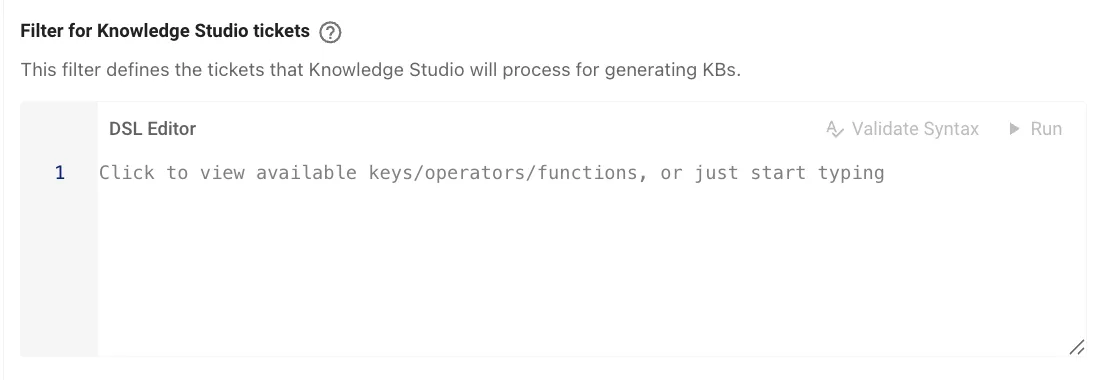
Filter for Knowledge Studio tickets
This filter defines the tickets that Knowledge Studio will process for generating KBs.