Sysaid Ticketing Integration Overview
File Tickets
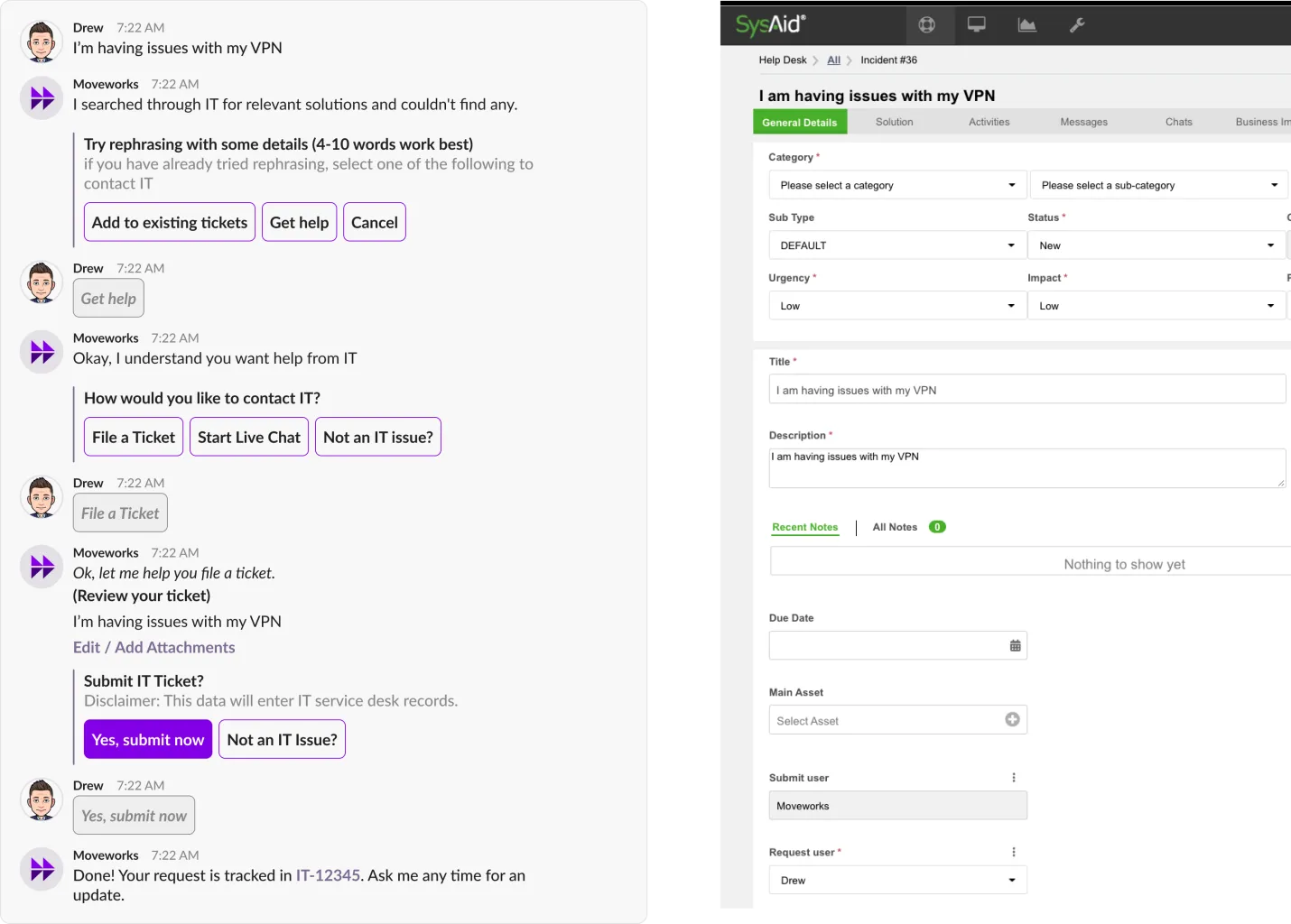
Behind the scenes
When the employee wants help with an issue that doesn’t ticket, Moveworks will provide the user utterance as the title and description.
Optionally, the end-employees can choose to provide more details to the ticket & attachments, those will be served via the description and attachment fields in the API.
Ticket Notifications
Your users will also receive ticket notifications when:
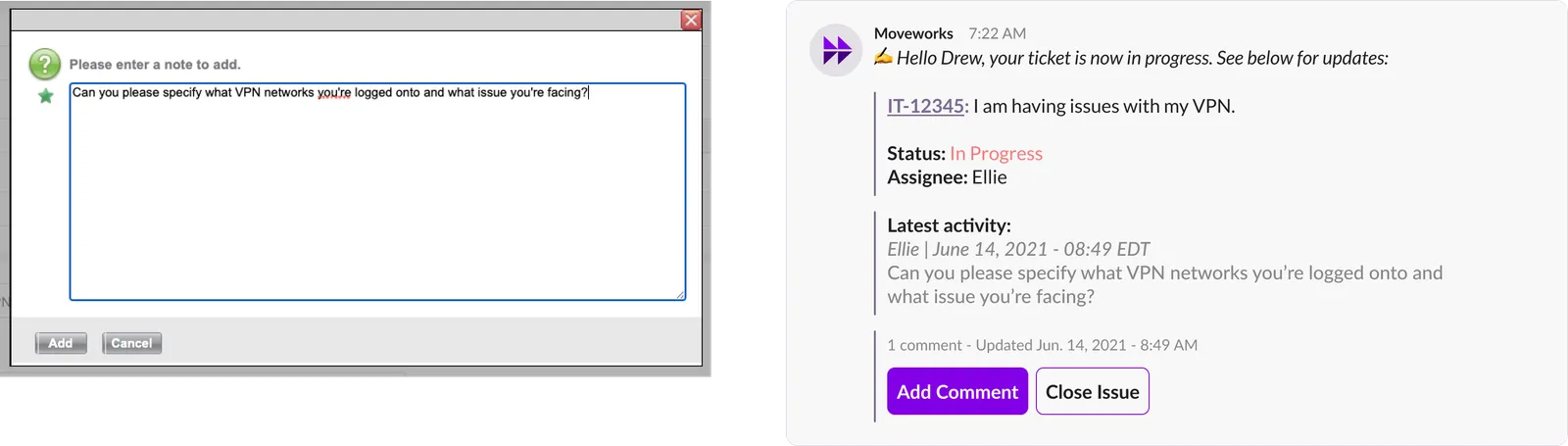
Comment added to a ticket
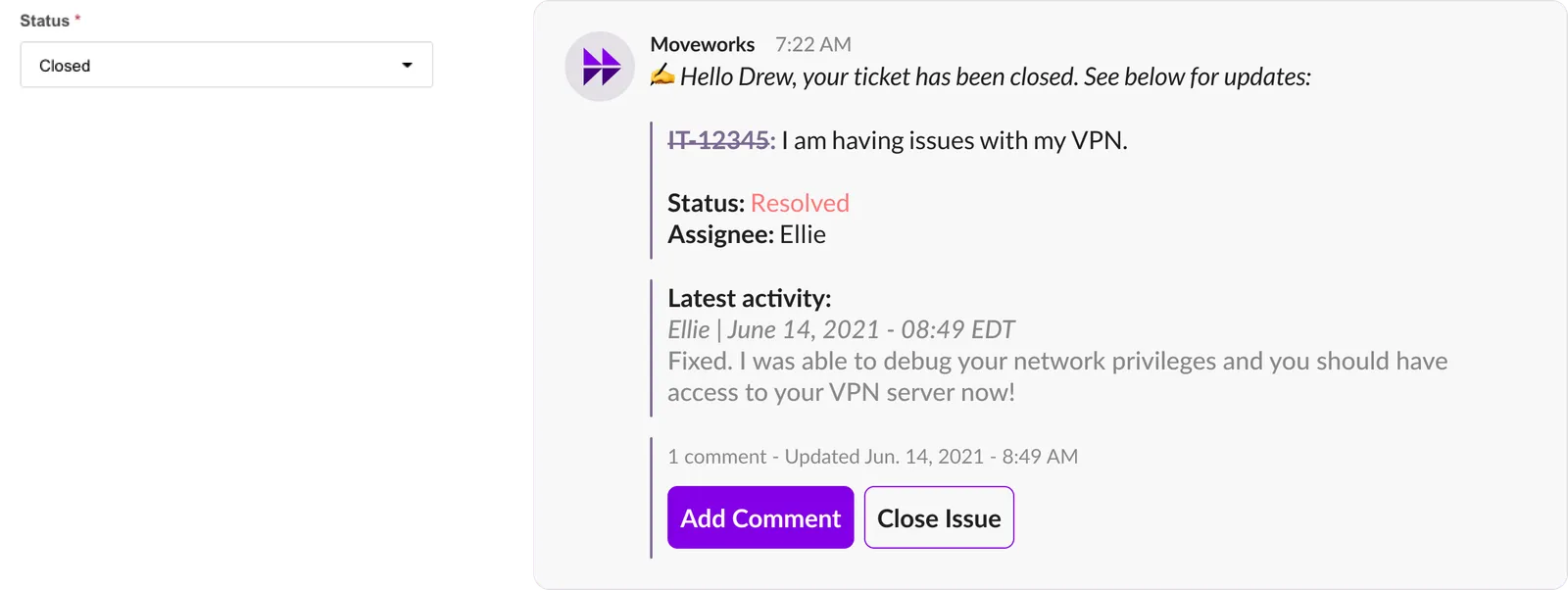
Ticket is closed
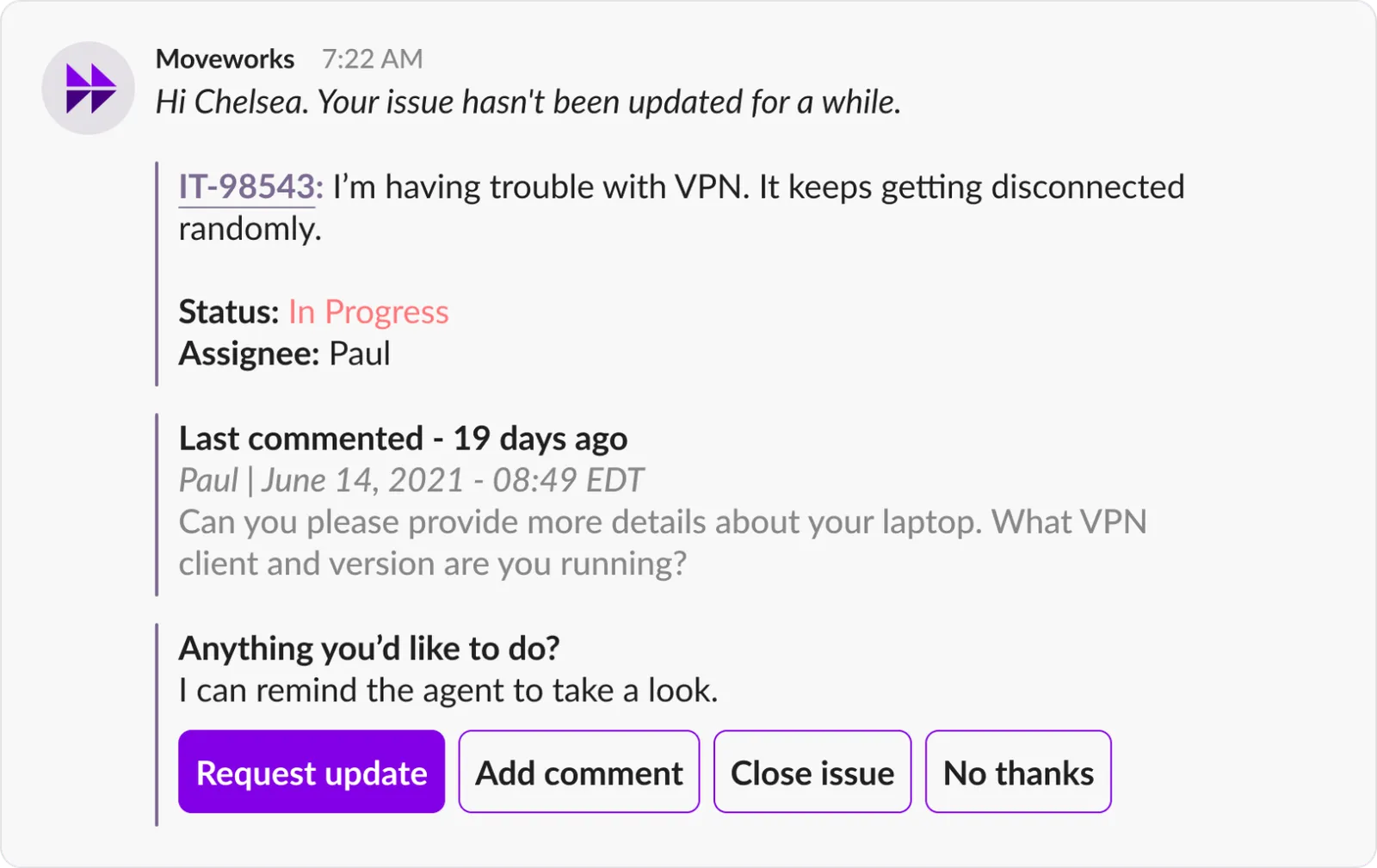
Ticket Nudges
Ticket Nudge works to ensure that tickets are not lost in the shuffle by checking for ticket updates every 10 seconds. They are delivered when:
• Ticket state is New or In Progress &
• Ticket has had no employee-facing comments for 3 days
View Tickets
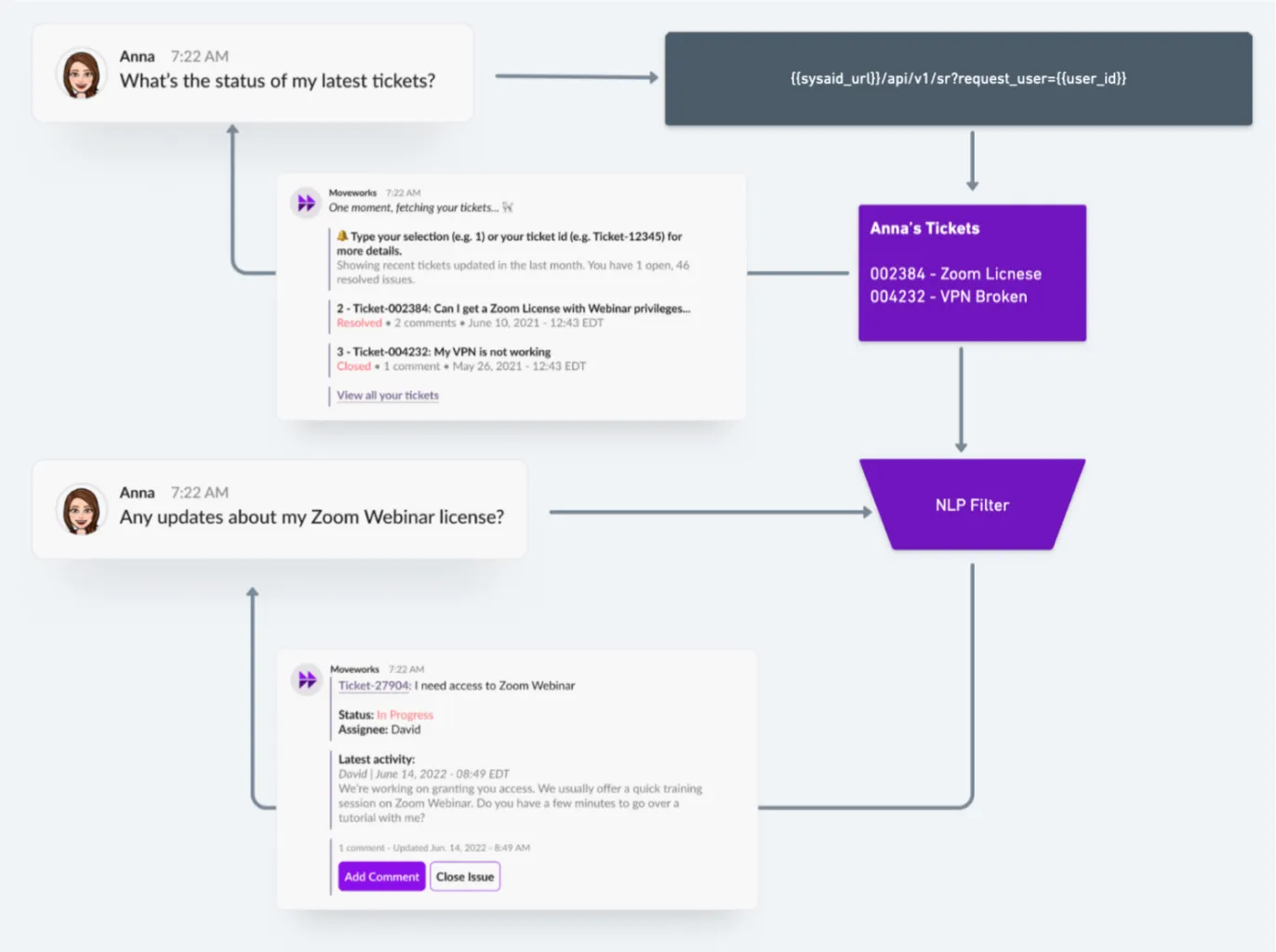
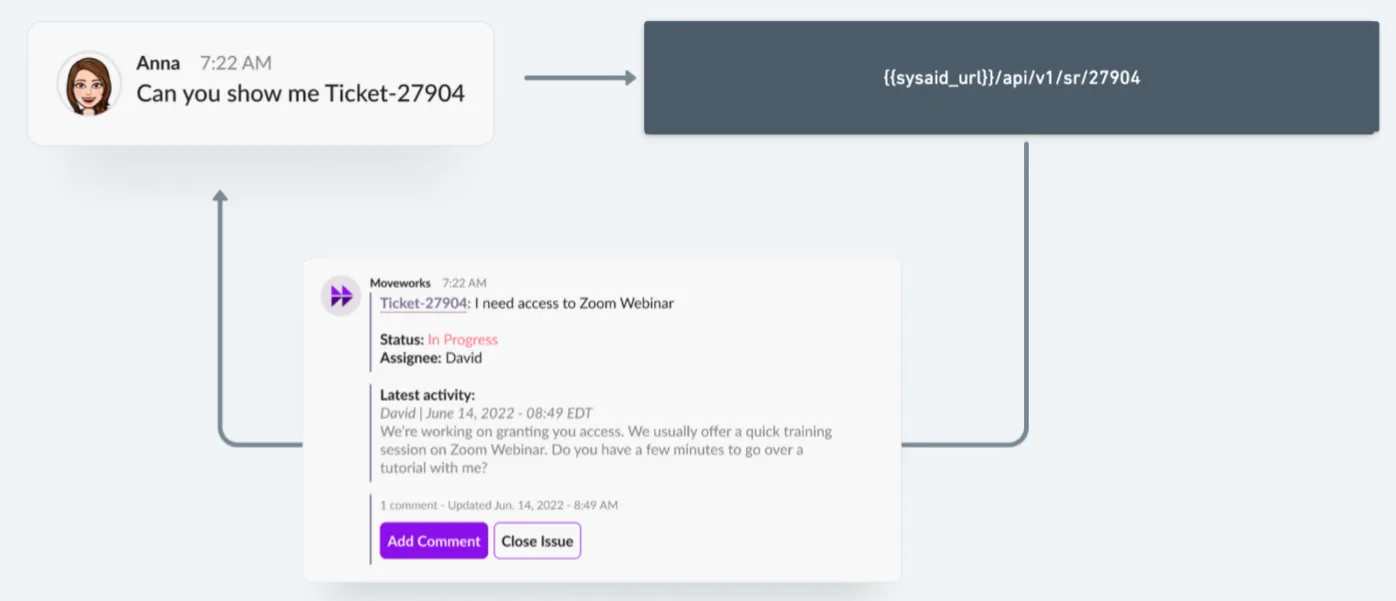
Employees can check status of their tickets in real-time. We support the following query patterns:
-
View List of Tickets by Check Status
-
View Ticket by Subject Matter
-
View Ticket by Ticket Number
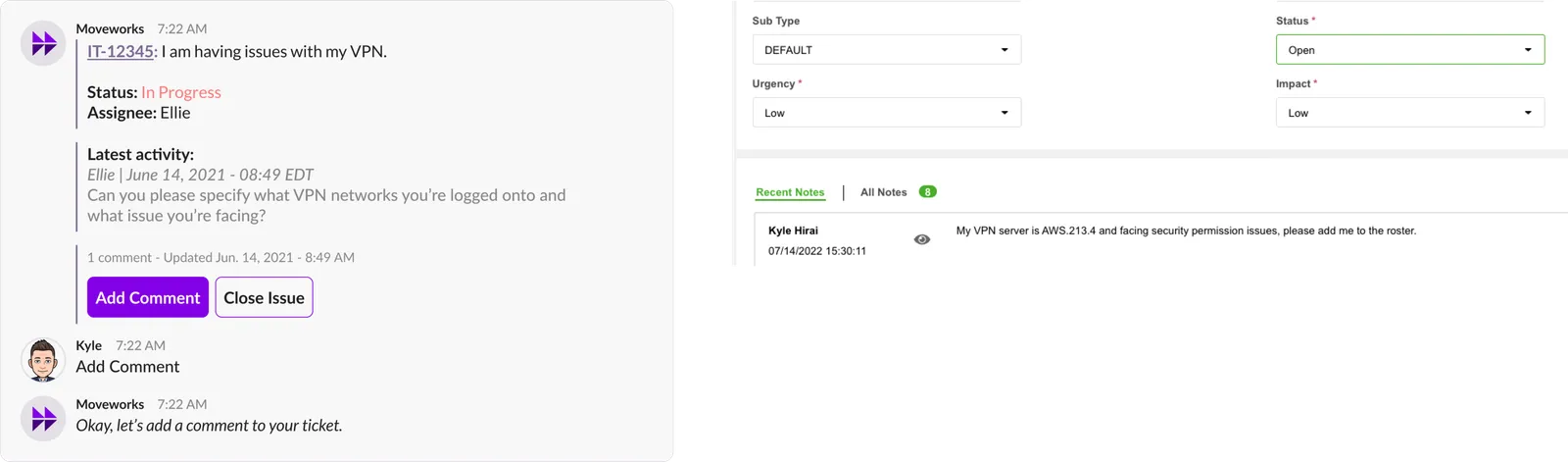
Add comments to tickets
Behind the scenes
When the employee adds comment to a ticket, we will pass it as a note and set the status of the ticket to Open.
Close Tickets
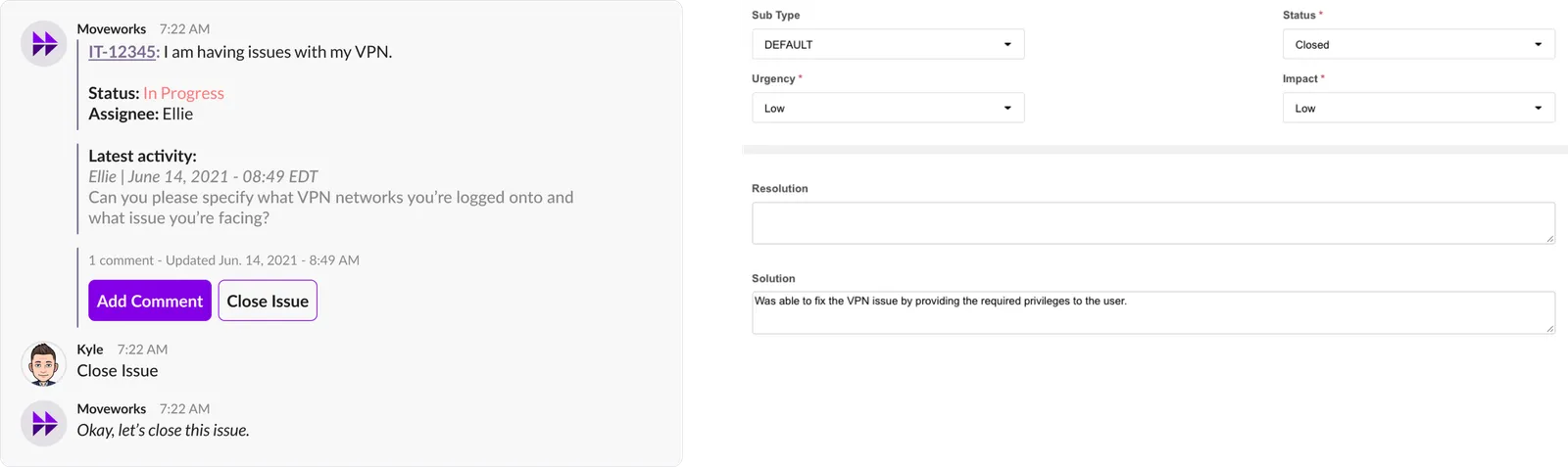
Behind the scenes
When the employee closes a ticket, we will call the /close endpoint that sets the ticket status to closed & provide a default solution into the ticket.
Reopen Tickets
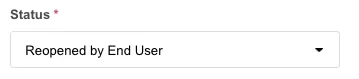
When the employee asks to re-open their ticket, they can always do so (whether the state is Closed - Verified or just Closed), Moveworks will set the ticket status to Reopened by End User to reopen it.