
Forms Integration - Freshservice
Overview
Freshservice Forms are incredibly powerful when combined with Moveworks’ Smart Forms. You can use them together to:
- Enable powerful automations, leveraging Freshservice Automator.
- Trigger custom approval workflows
- Structure inputs from your employees
Permissions Required
Moveworks service account on Fresh Service needs the ability to hit the following service catalog APIs exposed by Fresh Service.
- To fetch all the service items in the service catalog
/catalog/items.json - To fetch the details of a particular service item
/catalog/items/<ITEM_DISPLAY_ID>.json - To fetch all the service categories
/catalog/categories.json - To create service requests
/catalog/request_items/<ITEM_DISPLAY_ID>/service_request.json
To ensure Moveworks service account has the required permissions, please take the following steps
- The Moveworks service account will be assigned a particular role. Navigate to that role in the Admin Roles Page (
https://<yourdomain>.freshservice.com/admin/roles) and click Edit - In the Permissions section, ensure that at least the following permissions are assigned (i.e., checked) under the Tickets tab and Administration tab as shown below.
- Tickets:
- View Tickets
- Edit Ticket Properties
- Create and Edit Tasks in Tickets
- View or edit time entries
- Edit everyone’s time entries
- View CSAT Response
- Administration:
- Perform Operational Admin actions
- Manage Agents
- Assume Agent Identity
- View Requesters
- View Department
- Create/Edit Service Items/Service Category
- Perform Operational Admin actions
- Tickets:
Form Finding
Moveworks will ingest all forms that are available in the Service Catalog whose group_visibility = 1 (visible by all) and visibility = 2 (status is published).
Once the forms are ingested, Moveworks will link your employees to them by redirecting them to https://<yourdomain>.freshservice.com/support/catalog/items/<ITEM_DISPLAY_ID>.
Form Filling
Service item request forms that are Moveworks-ready will be fillable in bot. If the form is not fillable in bot, the employees will be directed to the form in Freshservice portal
https://<yourdomain>.freshservice.com/support/catalog/items/<ITEM_DISPLAY_ID>.
Unsupported behavior
Freshservice forms that have the following field types are currently not fillable in bot. As mentioned the employees will be directed to the forms URL on Fresh Service portal.
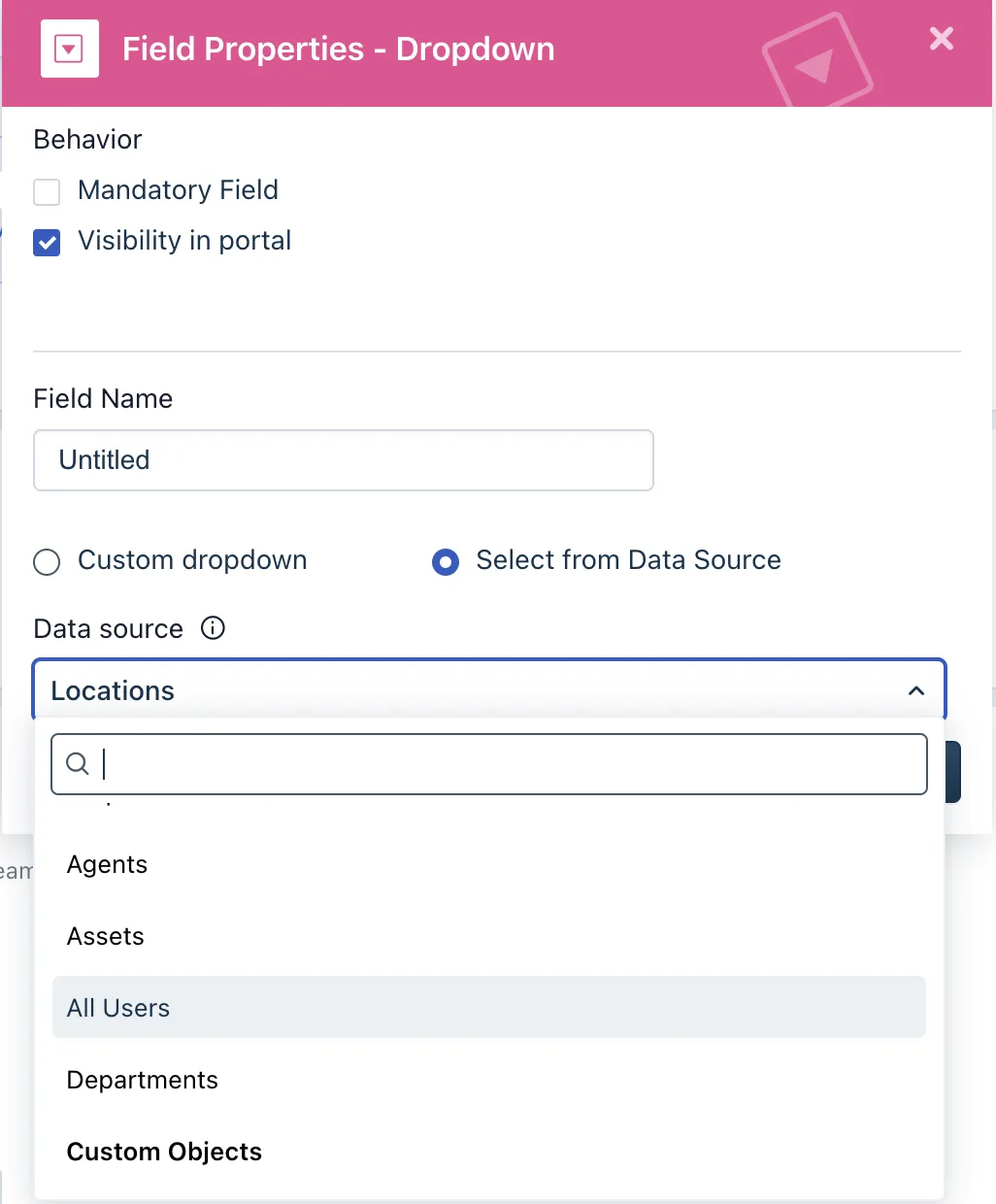
Custom Object Dropdowns
These allow you to use a data table of custom records and render it in a dropdown.
We don’t support custom objects for dropdowns yet.
Dynamic sections
These allow you to show additional fields based on the selection of a dropdown.
This is an option available for dropdown fields as shown below. Dynamic sections allow you to show additional fields based on the selection of a dropdown.

Add dynamic sections is not supported
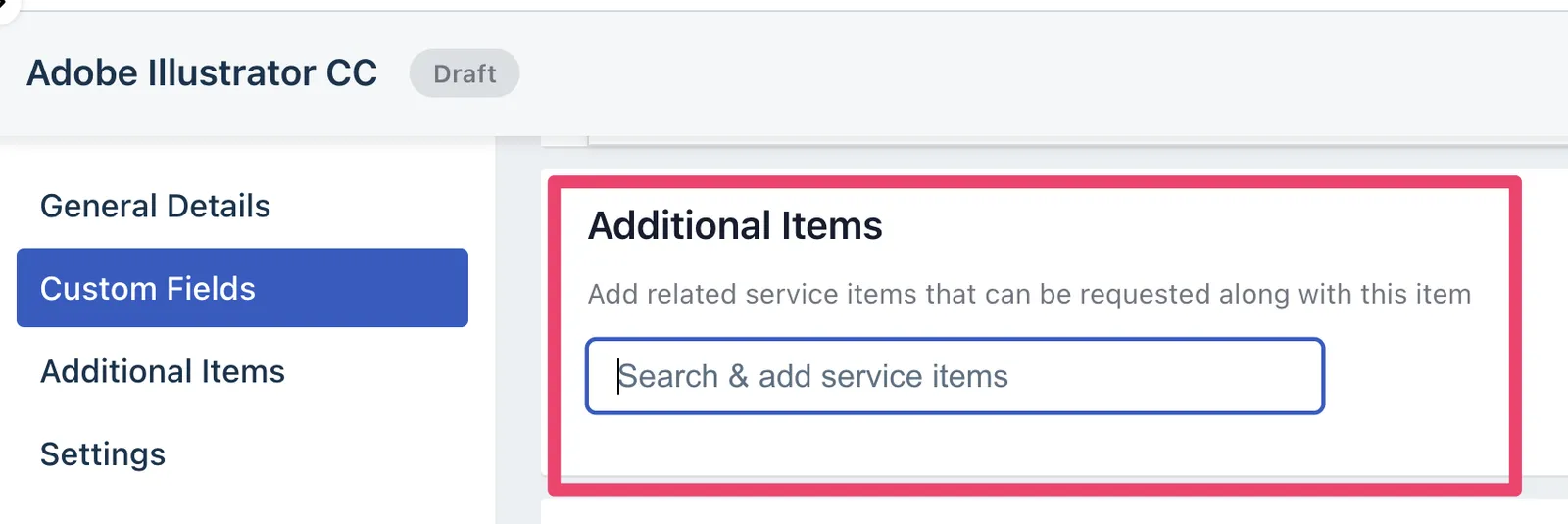
Form Bundles
Freshservice requires that some forms be submitted with other forms. We don’t support submitting multiple forms at the same time, so this is currently not supported.
Forms with Business Rules
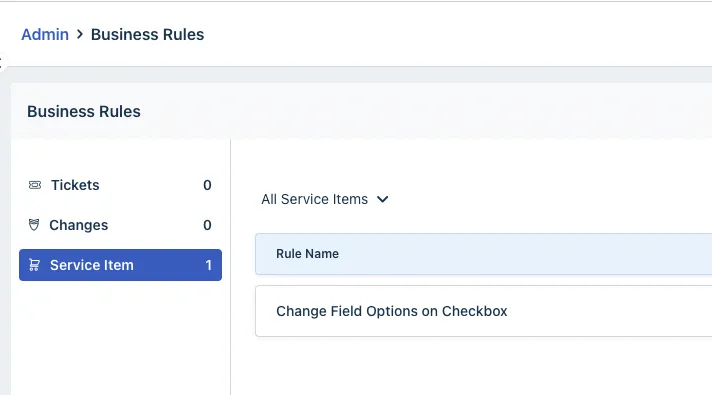
These allow you to make a field hidden/shown, required / not required, or change field options.
Unfortunately, Freshservice’s API does not expose these rules, so we won’t be able to respect them. This is a new feature released in late Q4 2021.
Supported field types
Moveworks converts your Freshservice form fields into internal supported types to make it fillable in bot. Forms that are made up of the following field types are available fillable in bot.
Form Field Type Conversion
Please note that Moveworks does NOT show fields that fail visible_in_portal = false.