
Forms Integration - Jira Service Desk
Overview
You use Moveworks Form Integration with Jira Service Desk to:
- Enable powerful automations, leveraging Automation for Jira (example).
- Trigger custom approval workflows in Jira Service Management.
- Structure inputs from your employees. Moveworks uses this internally to run our Covid Attestations!
To get started, follow this guide on Creating Jira Request Types.
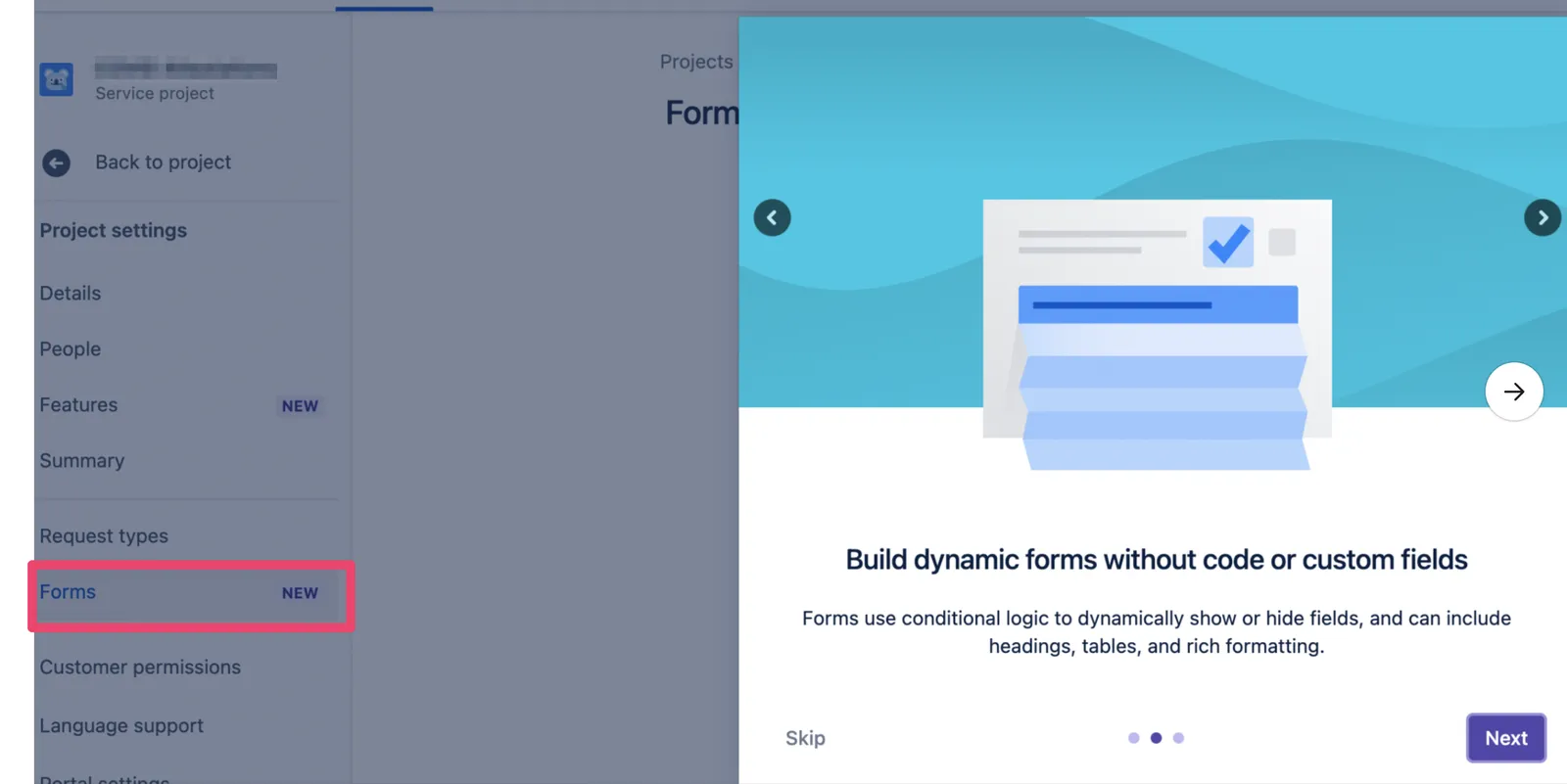
Jira Service Management now offers two distinct ways to create intake forms for users: “Request Types” (the legacy feature) and “Forms” (the new feature released in late 2021, incorporated from Atlassian’s acquisition of the creator of the Proforma plugin). Request Types are currently supported by Moveworks for In-Bot Form Filling, while Forms currently are not.
See Form Filling for examples of how Request Types are rendered within Moveworks bot conversation.
Permissions Required
Moveworks needs the ability to hit the following {instance_url}/rest/servicedeskapi APIs in Jira for the service_desk_id that corresponds to your ServiceDesk project.
/servicedesk/servicedesk/{service_desk_id}/requesttype/servicedesk/{service_desk_id}/requesttype/{requesttype_id}/field/servicedesk/{service_desk_id}/requesttypegroup
These endpoints require that your instance support setting the X-ExperimentalApi header to opt-in.
Form Ingestion
Moveworks will ingest all forms that are available within a ServiceDesk. If a form does not have any associated categories, Moveworks will mark that form as unavailable for ingestion.
Once the forms are ingested, Moveworks will link your employees to them by redirecting them to {jira_url}/servicedesk/customer/portal/{service_desk_id}/create/{request_type_id}. This URL can not be configured today.
Unsupported Extensions
In December 2021, Jira Service Management acquired Proforma, a popular Marketplace plugin, and integrated Proforma’s functionality into their native product - presented as the Forms feature. These forms are currently not supported for in-bot filling.
Jira Request Types that use Forms can’t be detected through the API. On the Agentic Reasoning Engine, add their form IDs to Disallowed form IDs under Ticketing Automation > Forms > Import > Import Settings so the AI Assistant doesn’t offer them in chat. Redirecting them to the Jira portal instead is available only in Classic (Forms > Advanced Settings > Plugin Settings override).
Supported fields
Moveworks converts your Jira fields into internal supported types where possible.
Form Field Type Conversion