HTTP Connectors
Prerequisites
- Ensure you have the appropriate permission to use Moveworks Setup. You must have either an Admin or user roles assigned to you in order to create and view connectors.
- Ensure that you have provided correct access to the service account you are using for creating a connector. Since these permissions are associated with systems which are not natively integrated with Moveworks you will need to look up the appropriate documentation for the same.
- Network Allowlisting - Please make sure that our production services can access your applications. See documentation.
Configuration
We start by setting the Basic connector Info where we start by providing :
- Name
- Description
- Base URL
- Auth Config
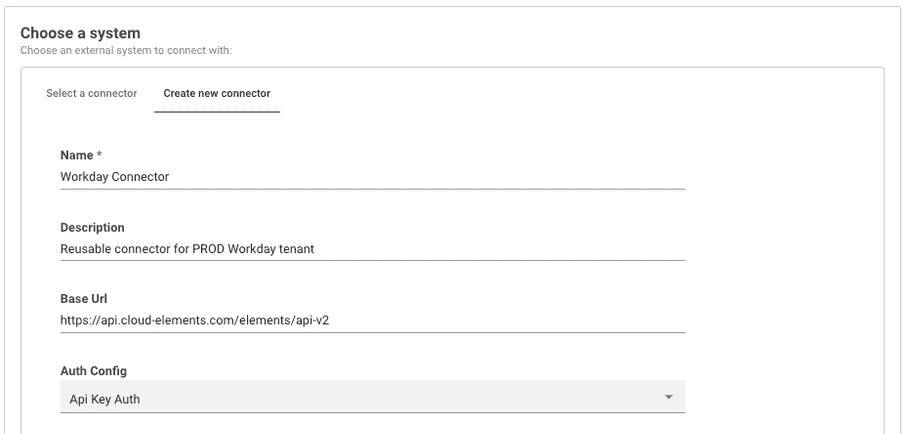
Securely store credentials based on your auth type:
HTTP Connector Auth Types
HTTP connectors support the following auth types:
- No Auth
- Basic Auth
- API Key Auth
- Bearer Token Auth
- JWKS Auth
- OAuth 2.0
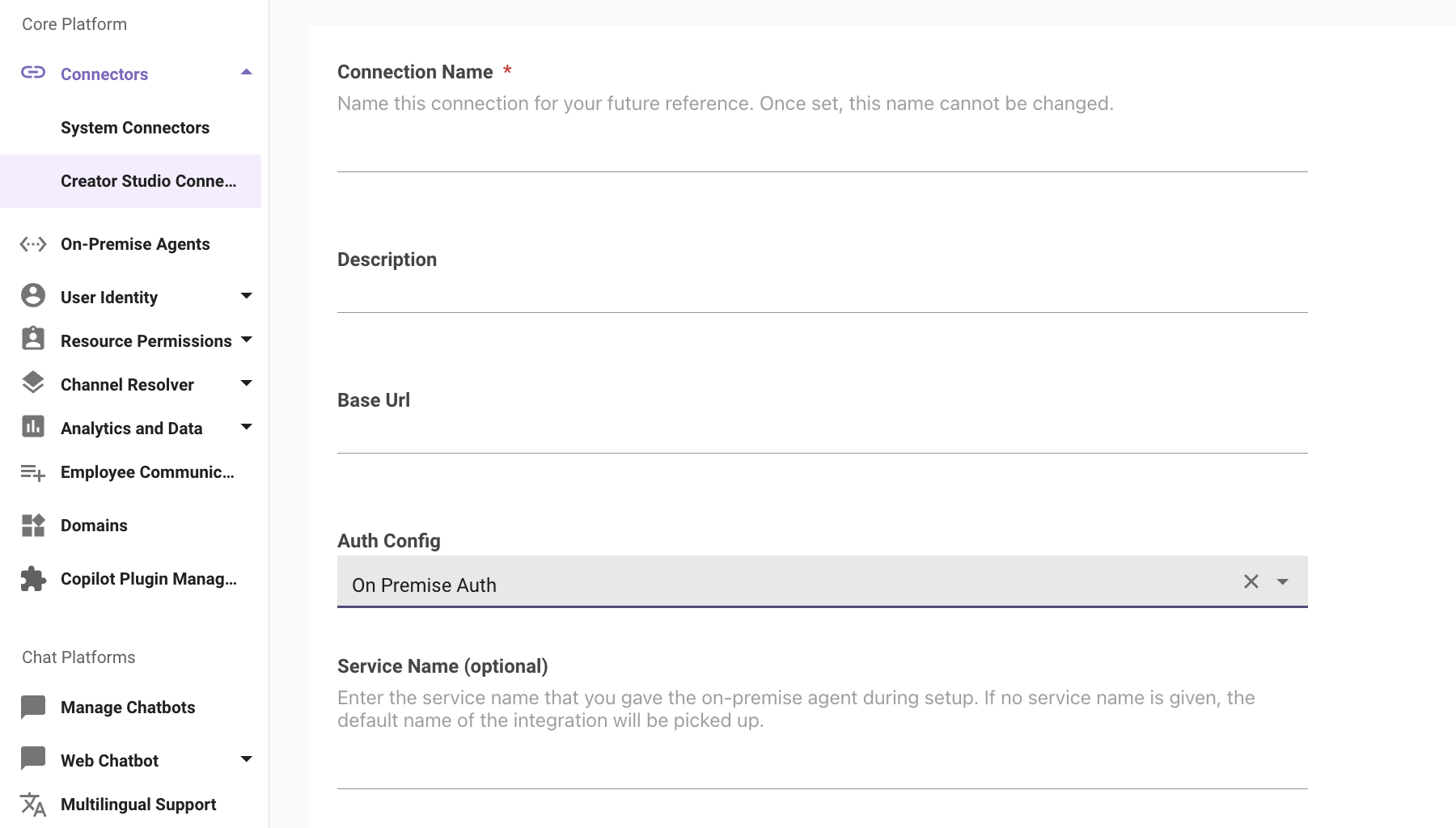
On Premise Auth
On Premise Auth is used when you want to leverage the Moveworks On Premise Agent for your authentication. If you choose to do this, please follow these steps. Please be sure to be on agent version 2.10.*
- Configure the Moveworks On Premise Agent following this installation guide. Please make a note of the Service Name you have entered during the agent configuration as you’ll need it later.
- Create the connector with “On Premise Auth” as the authentication type. Enter the service name from step 1.
Unsupported Auth Types:
If you need to use any of the below connectors for your use case, please make an idea post in Moveworks Community.
- OAuth 1.0
- Cookie Auth
- Client Credentials Header Auth
- PKI Auth
- NTLM Auth
Editing HTTP Connector Credentials
Super Admins have fine-grained control over how developers build and access integrations in Agent Studio. This helps organizations balance innovation with security and compliance. Using the Security and Privacy Settings in Moveworks Setup, Super Admins can govern connector access and editing permissions.
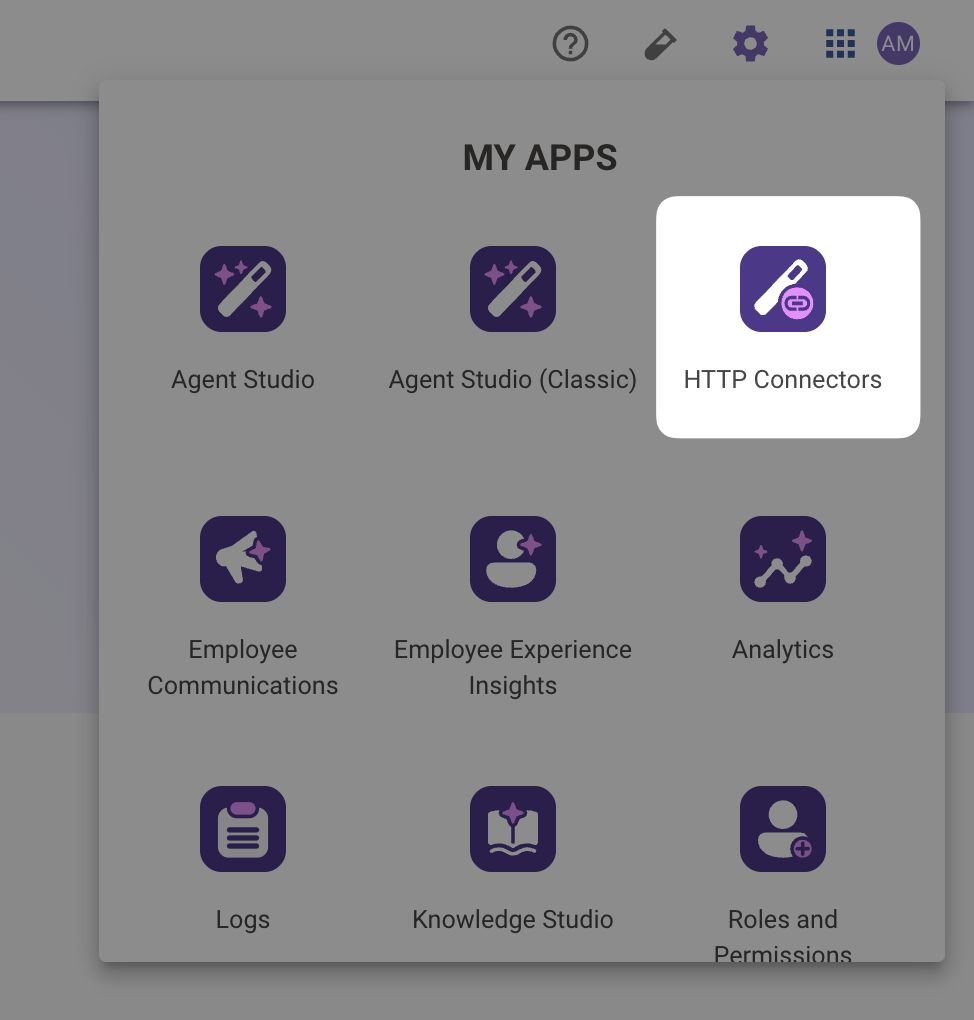
- Navigate to HTTP Connectors
- Select the edit button for the connector you wish to change.

- You’re taken to a page that resembles the authentication tab when creating a new connector. You are able to edit any fields that need to be changed here.
Please note that your secret key will show up as empty in the UI if it has been previously saved. If you change a non-secret value, but the secret stays blank, the secret will not be changed. However, if you put in a new secret, it will be overwritten.
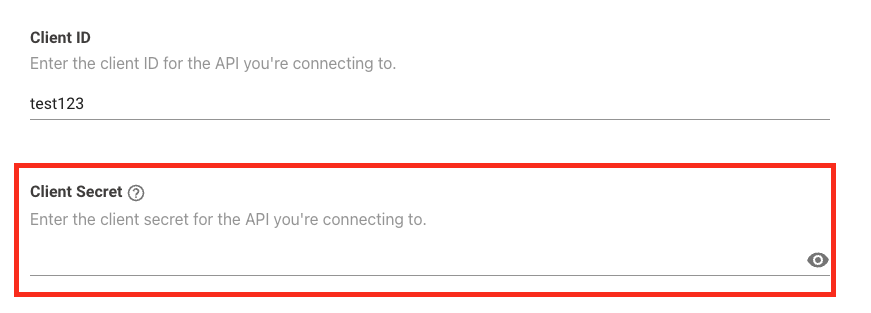
- After you are done making your edits, press the save button and the connector will be updated with the new values. Changes may take ~3-5 minutes to process.
- After changes are saved, go test your connector. To do this:
- Go to an action, event, path, or query that is using the edited connector.
- Test that the connector is working as intended through the HTTP editor.
- Go back to Agent Studio Connectors -> Edit to make any changes after testing.
- Repeat if necessary.
When assigning developers to edit connectors, you must also acknowledge the following limitations:
- Moveworks does not currently support role based access control for connectors. This means that with this features, developers will be edit connectors that they have not created. Please be cautious when editing connectors and ensure that you are editing the correct one.
- There is currently no visibility into which plugins will be affected as part of this change. When making connector edits, make sure that you are aware of the plugins you will be affected and do rigorous testing.
Deleting HTTP Connectors
- Navigate to HTTP Connectors within my apps
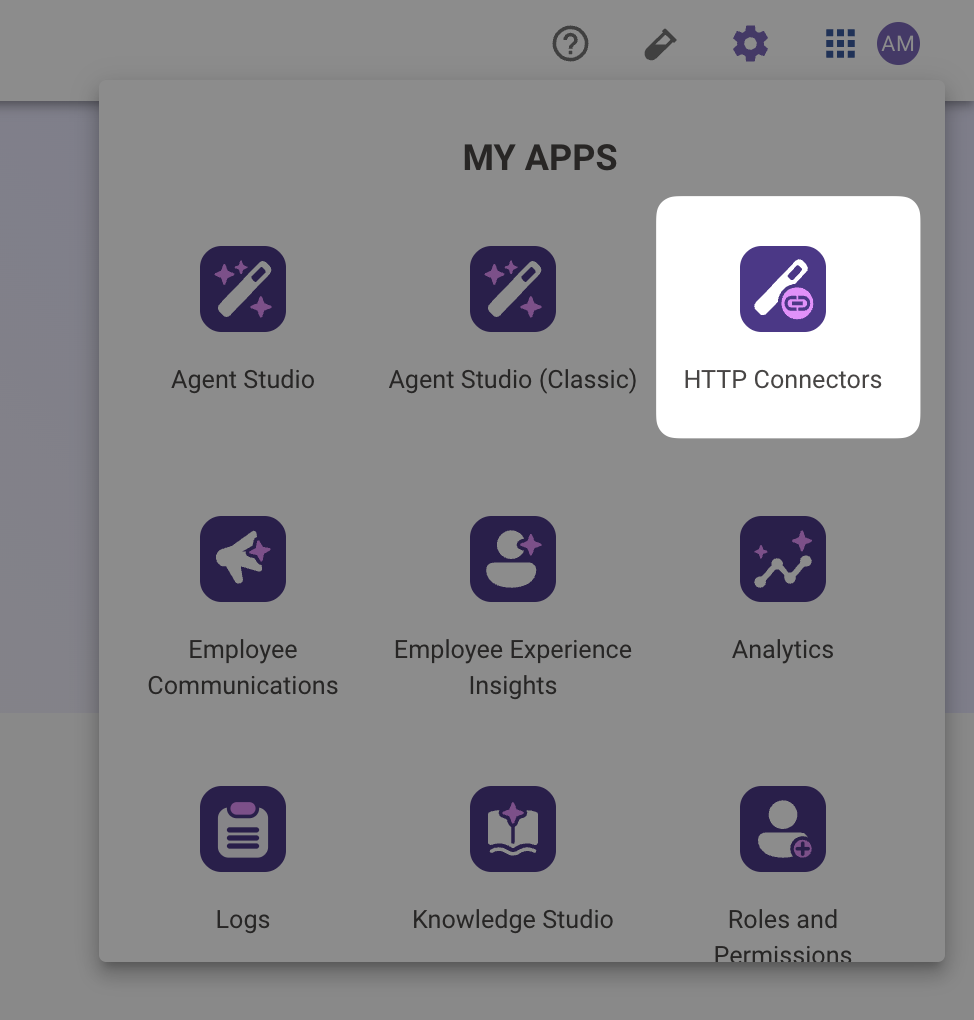
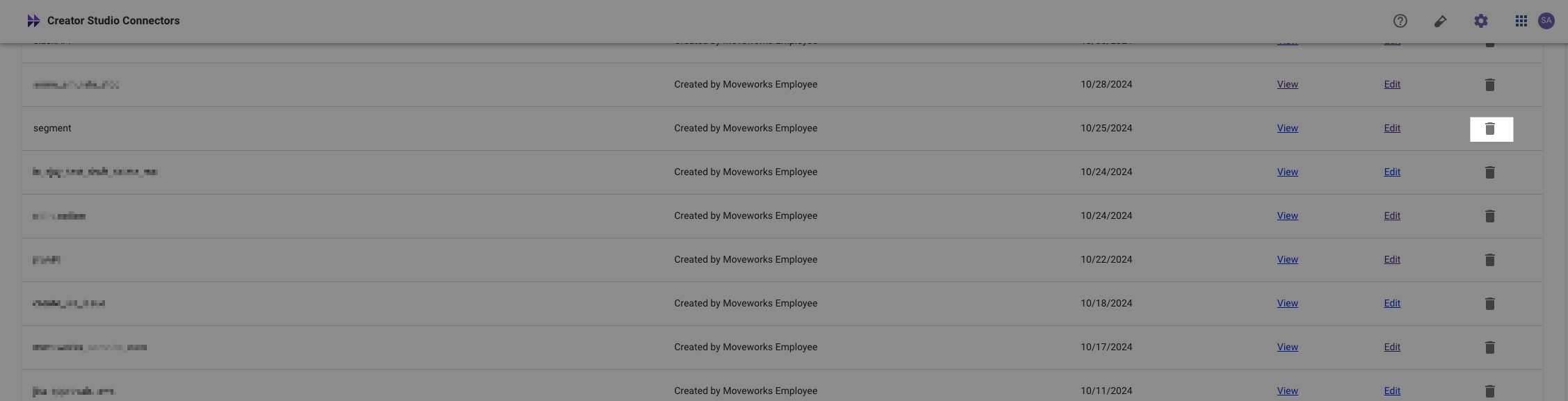
- Select the delete icon for the connector you wish to delete.
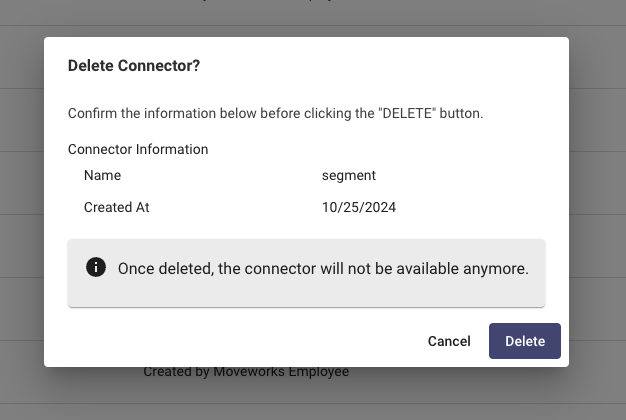
- Confirm that you wish to delete the connector. Please be cautious, it is not possible to undo this change.
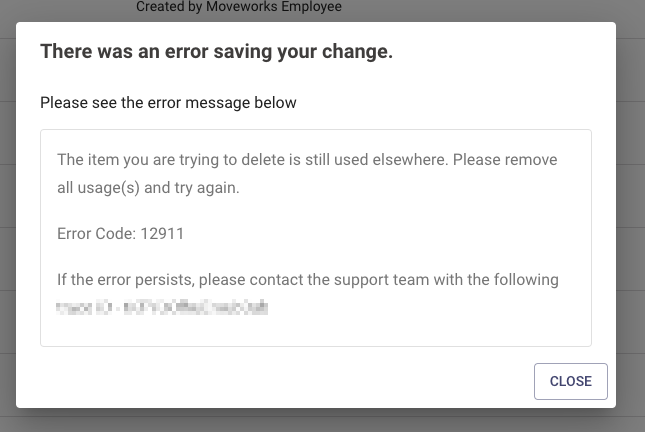
If you get an error such as the one picture below, it means that you’re connector is still in use in Agent Studio. Please be sure to delete all references of that connector and try again