For AI agents: a documentation index is available at the root level at /llms.txt and /llms-full.txt. Append /llms.txt to any URL for a page-level index, or .md for the markdown version of any page.
Logo
DeveloperAcademyCommunityStatus
  • Getting Started
    • Welcome to Moveworks
    • Roadmap & Release Notes
    • Moveworks Best Practices
    • Labs
      • AI Assistant Lab
      • Agent Studio v1 Labs
        • Access and Login Guide
        • Lab Setup: Salesforce and JIRA Connectors
        • Lab Resources
        • Lab #1: Look up Salesforce Account
        • Lab #2: Add Case to Salesforce & Jira Ticket
        • Lab #3: Add User to Entra Group
        • Lab #4: SAP Concur - Lookup and Create Expense Reports
        • Lab #5: ServiceNow - Lookup Assets for a User
      • Salesforce Lab
      • ServiceNow Lab
      • Agent Studio v2 Challenges
    • Professional Services
    • Support
  • AI Assistant
    • AI Assistant Overview
    • Capabilities
    • Web Experiences
    • Analytics & Performance
  • Enterprise Search
    • Overview
    • Agentic RAG Overview
    • Content Ingestion Platform
    • Profile Boosting
    • Retrieval
    • Permissions Platform
    • Built-in Content Connectors
    • Build your own Content Connectors
    • Configure Search
    • Configure Enterprise Search
    • Vetted Content
    • Writing AI-Ready KB Articles
    • Document Chunking and Snippetization Overview
  • Productivity Boost
    • Overview
    • Configure Productivity Boost
    • Quick GPT
    • Calendar Management
    • Brief Me
DeveloperAcademyCommunityStatus
On this page
  • Moveworks Labs Okta
Getting StartedLabsAgent Studio v1 Labs

Access and Login Guide

||View as Markdown|
Was this page helpful?
Edit this page
Previous

Lab Setup: Salesforce and JIRA Connectors

Get access to third-party systems and your Moveworks environment for your developer lab.

Next
Built with

Moveworks Labs Okta

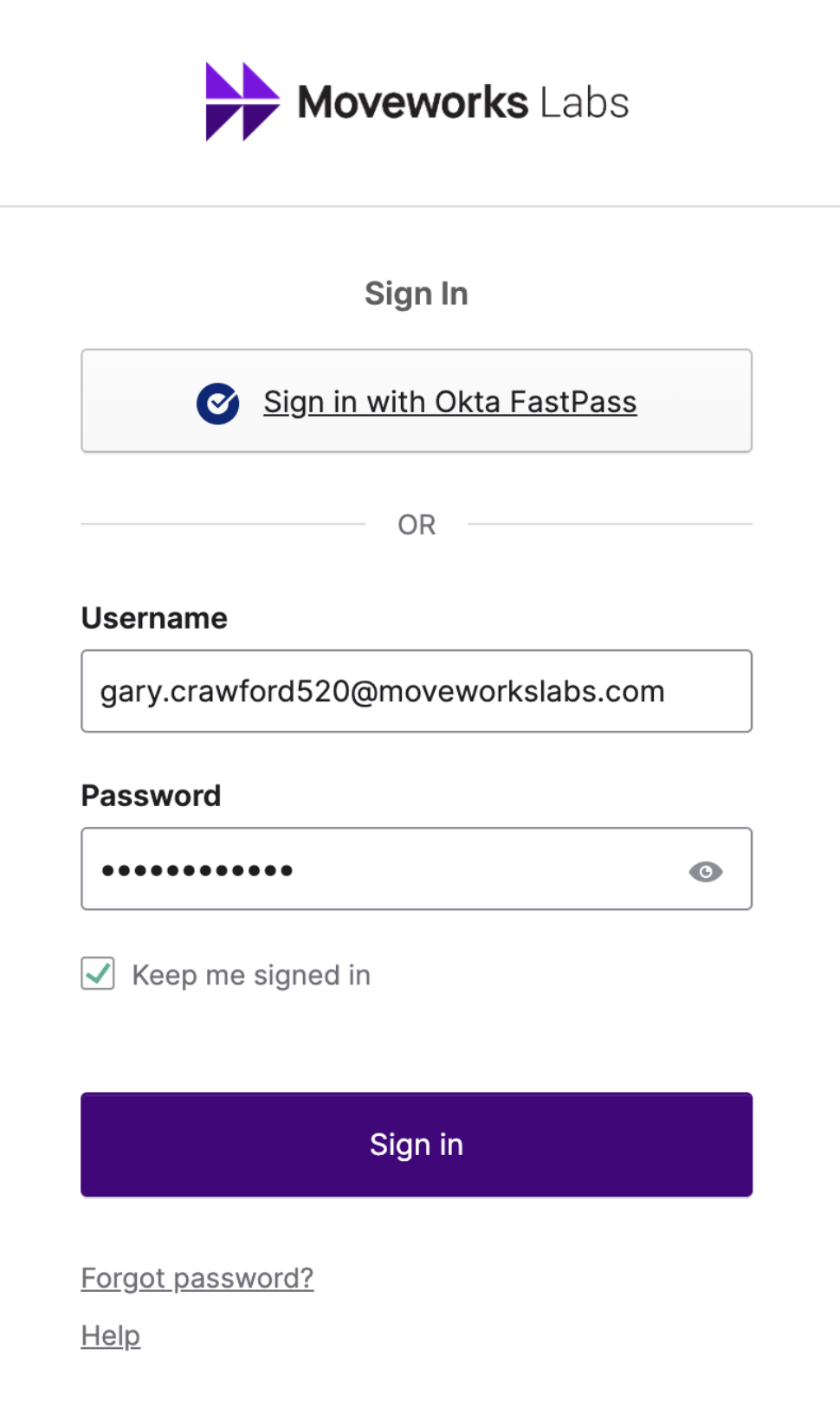
  1. Open your preferred browser to https://labs.moveworks.com

  2. Sign in using your assigned credentials
    Example: first.last123@moveworkslabs.com

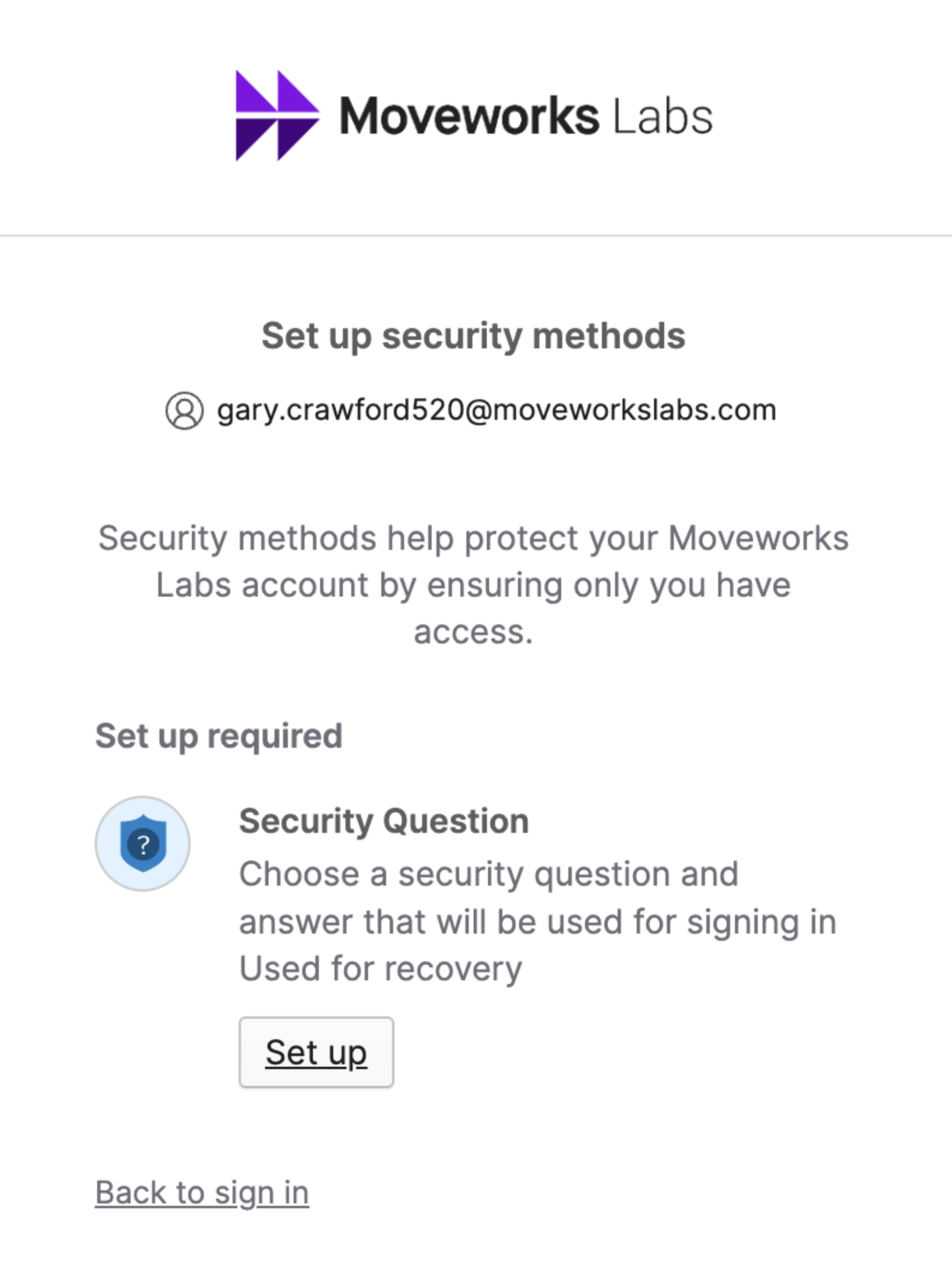
  3. Setup a Security Question if you have not yet
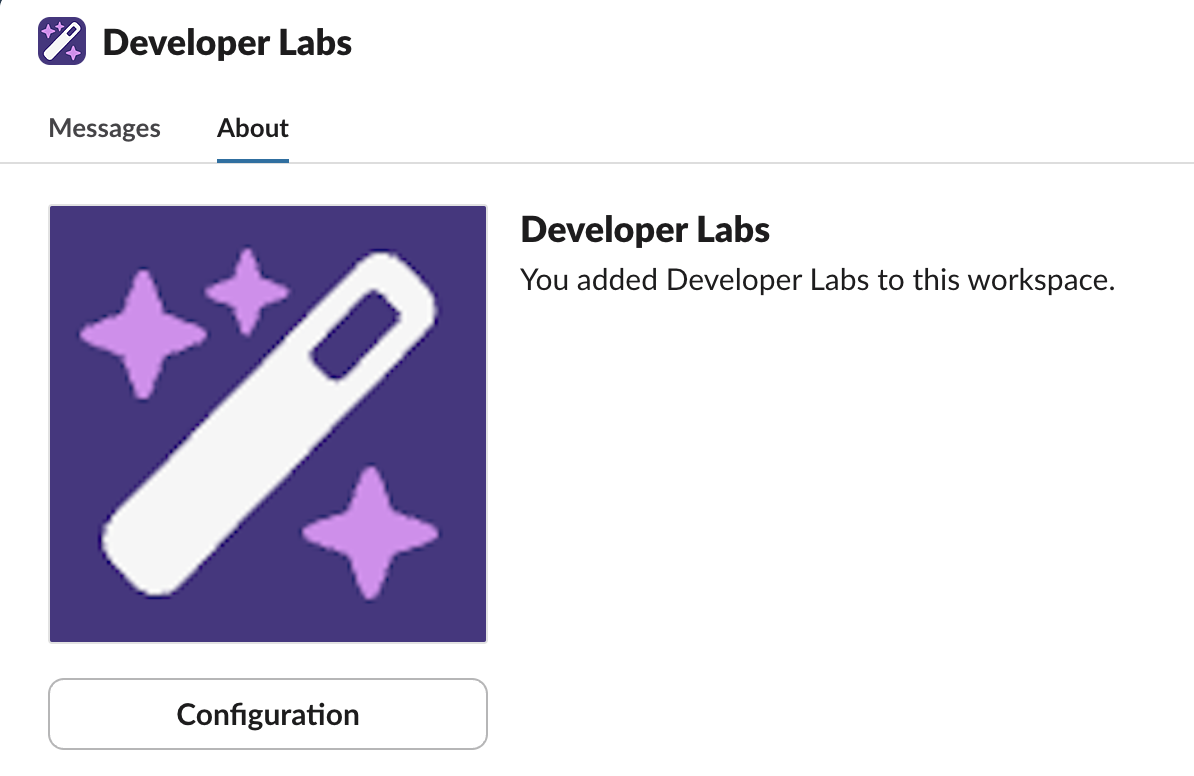
  4. Select Your Collaboration Platform of Microsoft Teams or Slack

  5. Add and/or Message the Developer Labs App

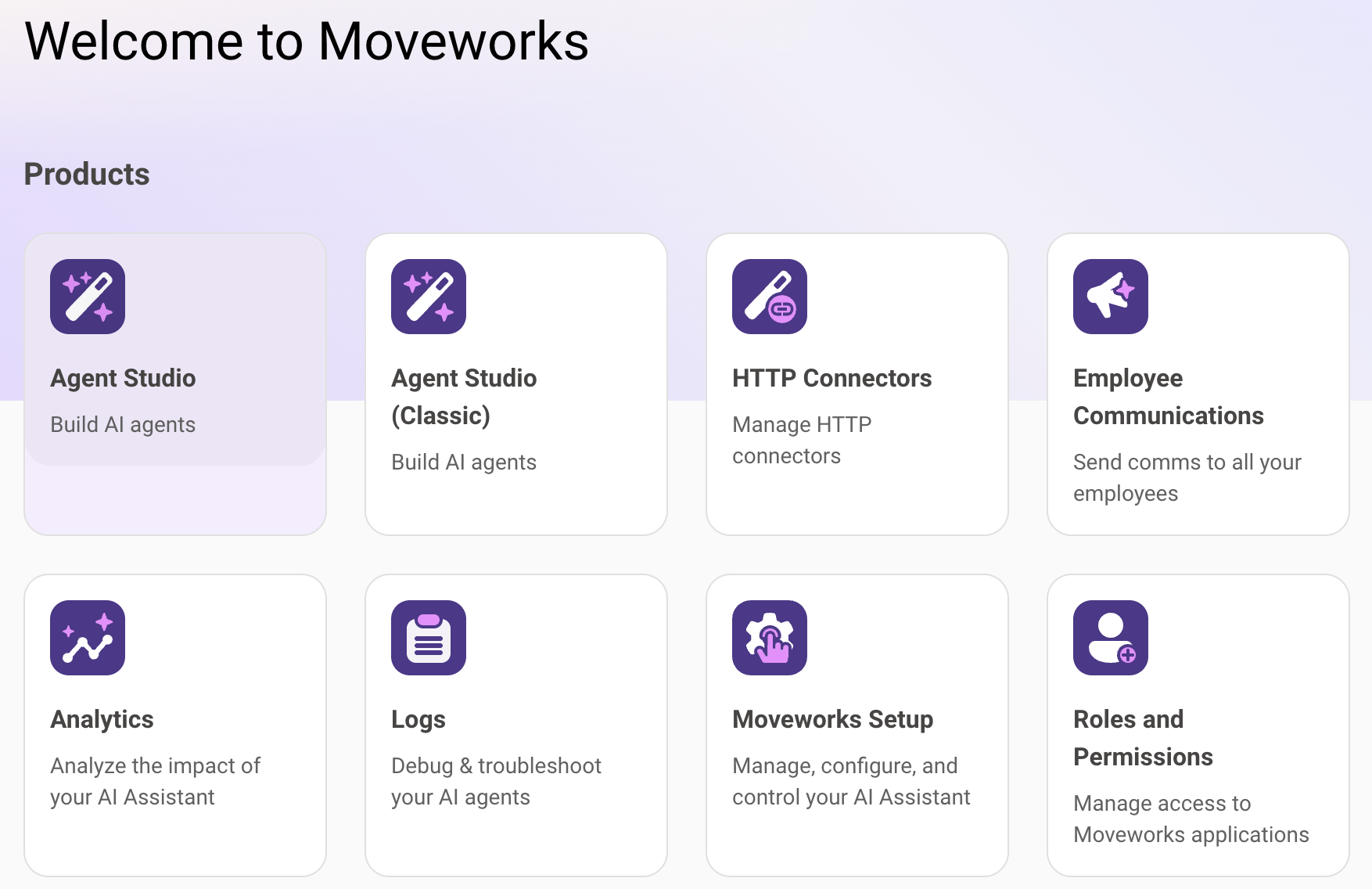
  1. From labs.moveworks.com, click on the the tile called “Agent Studio (Developer Labs)”
  2. You should now be logged into the Developer Console and it should look like this: