For AI agents: a documentation index is available at the root level at /llms.txt and /llms-full.txt. Append /llms.txt to any URL for a page-level index, or .md for the markdown version of any page.
Logo
DeveloperAcademyCommunityStatus
  • Getting Started
    • Welcome to Moveworks
    • Roadmap & Release Notes
    • Moveworks Best Practices
    • Labs
      • AI Assistant Lab
      • Salesforce Lab
      • Workday Lab
        • Get Access to Workday
      • ServiceNow Lab
      • Agent Studio v2 Challenges
    • Professional Services
    • Support
  • AI Assistant
    • AI Assistant Overview
    • Capabilities
    • Web Experiences
    • Analytics & Performance
  • Enterprise Search
    • Overview
    • Agentic RAG Overview
    • Content Ingestion Platform
    • Profile Boosting
    • Retrieval
    • Permissions Platform
    • Built-in Content Connectors
    • Build your own Content Connectors
    • Configure Search
    • Configure Enterprise Search
    • Vetted Content
    • Writing AI-Ready KB Articles
    • Document Chunking and Snippetization Overview
  • Productivity Boost
    • Overview
    • Configure Productivity Boost
    • Quick GPT
    • Calendar Management
    • Brief Me
DeveloperAcademyCommunityStatus
On this page
  • Ask Moveworks for Access to Workday
Getting StartedLabsWorkday Lab

Get Access to Workday

||View as Markdown|
Was this page helpful?
Edit this page
Previous

ServiceNow Lab

Next
Built with

Ask Moveworks for Access to Workday

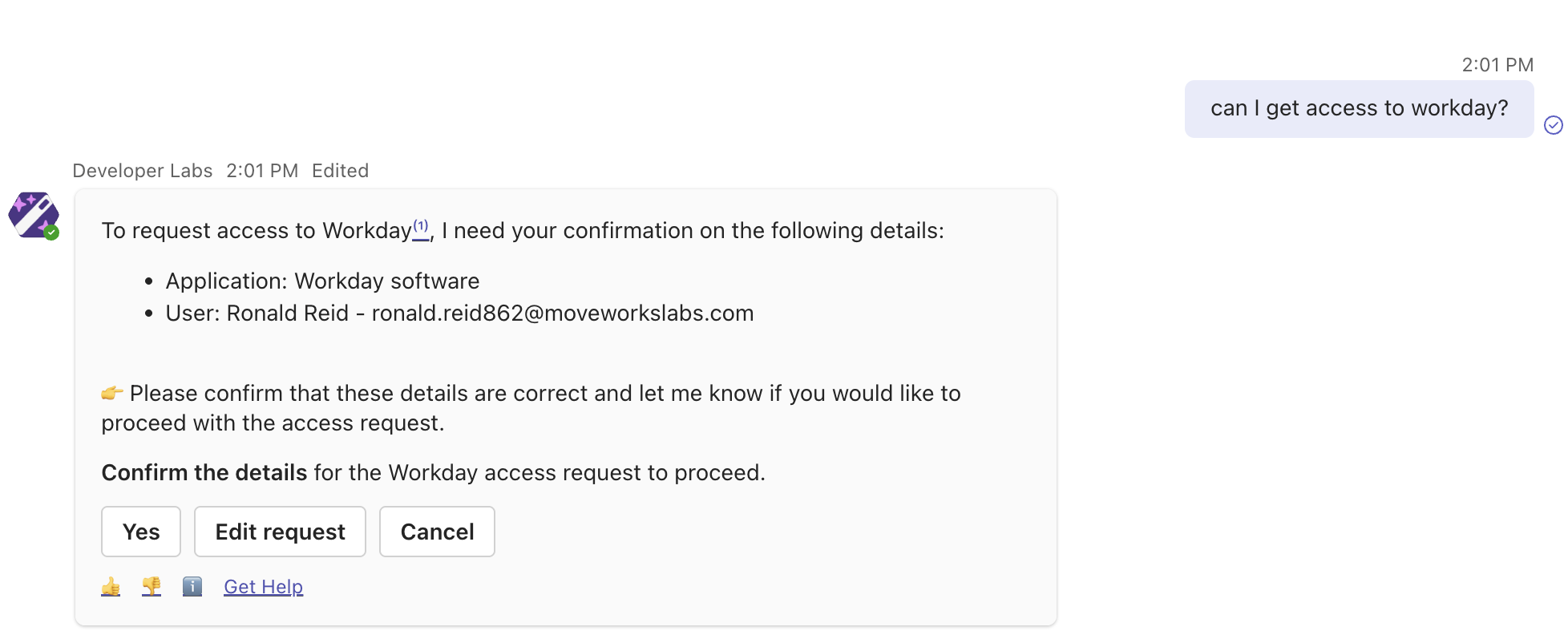
Workday will be auto-provisioned using the Moveworks Software Provisioning skill. It will provision you an account in real-time, simply just ask.

  1. Ask the Developer Labs bot for access to Workday. After a short time the bot will confirm this is completed. You can then refresh your Okta page and see the Workday tile.
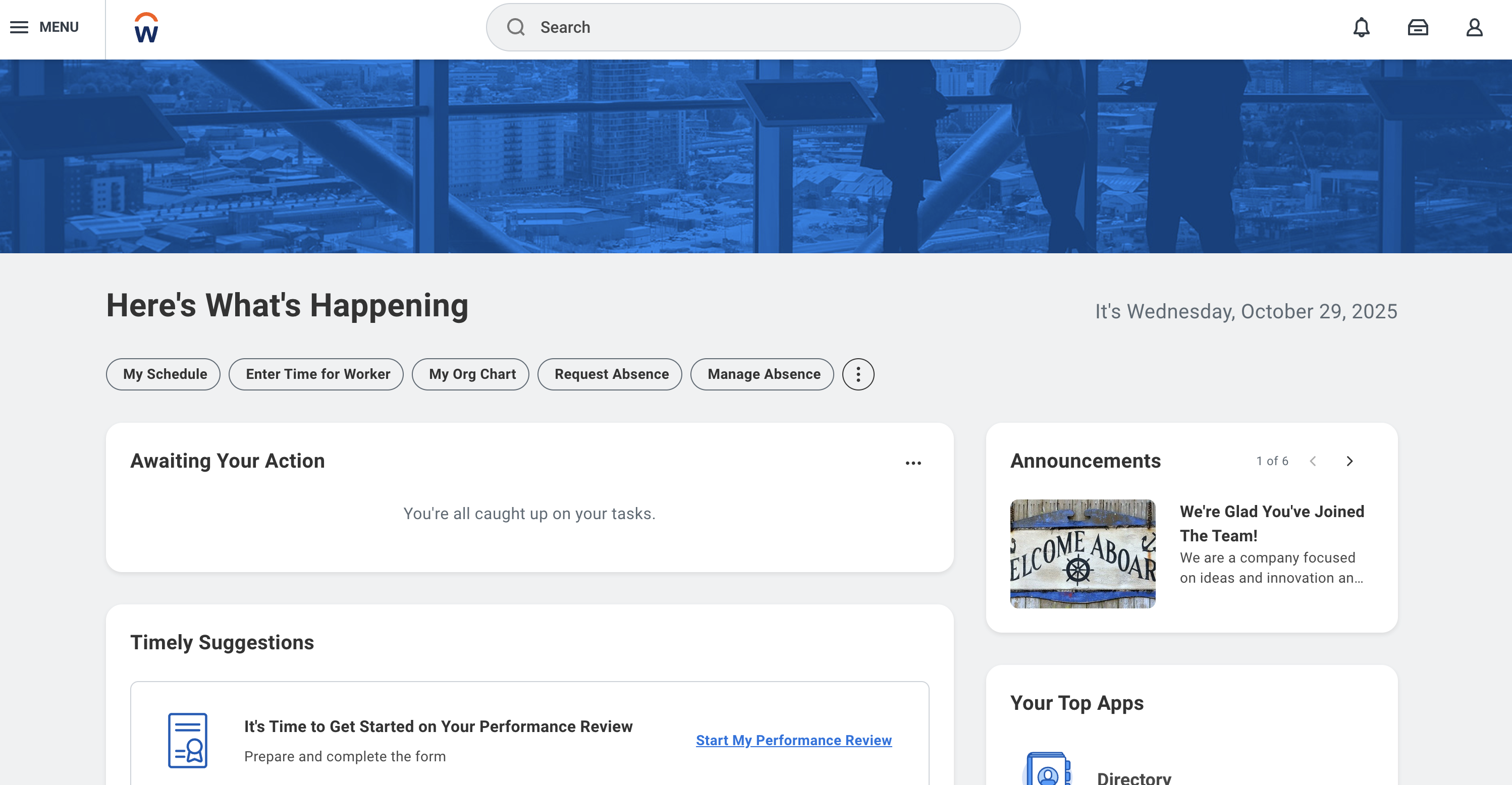
  2. Click on the Workday tile - your account is now authenticated and your user is represented in Workday as well as Moveworks. Leave this page open as we will later have to authenticate when we set up connectivity in Agent Studio.