***
title: MyMoveworks
position: 0
excerpt: ''
deprecated: false
hidden: false
metadata:
title: ''
description: ''
robots: index
next:
description: ''
---------------
MyMoveworks is your one-stop portal for accessing all your Moveworks products (including AI Assistant on Web), documentation, community, academy, and support.
# Access MyMoveworks
Make sure your administrator has [set up SSO](/service-management/administration/sso) for your organization.
You can log into MyMoveworks from any of the following sources:
1. **\[Recommended]** Your single-sign on (SSO) application homepage
2. Your org's login page (https\://\.moveworks.com)
3. [https://my.moveworks.com/](https://my.moveworks.com/) - and typing in your company name OR entering your email.
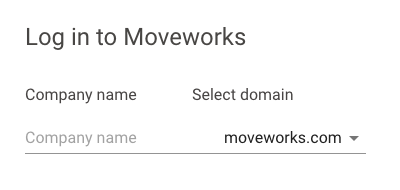
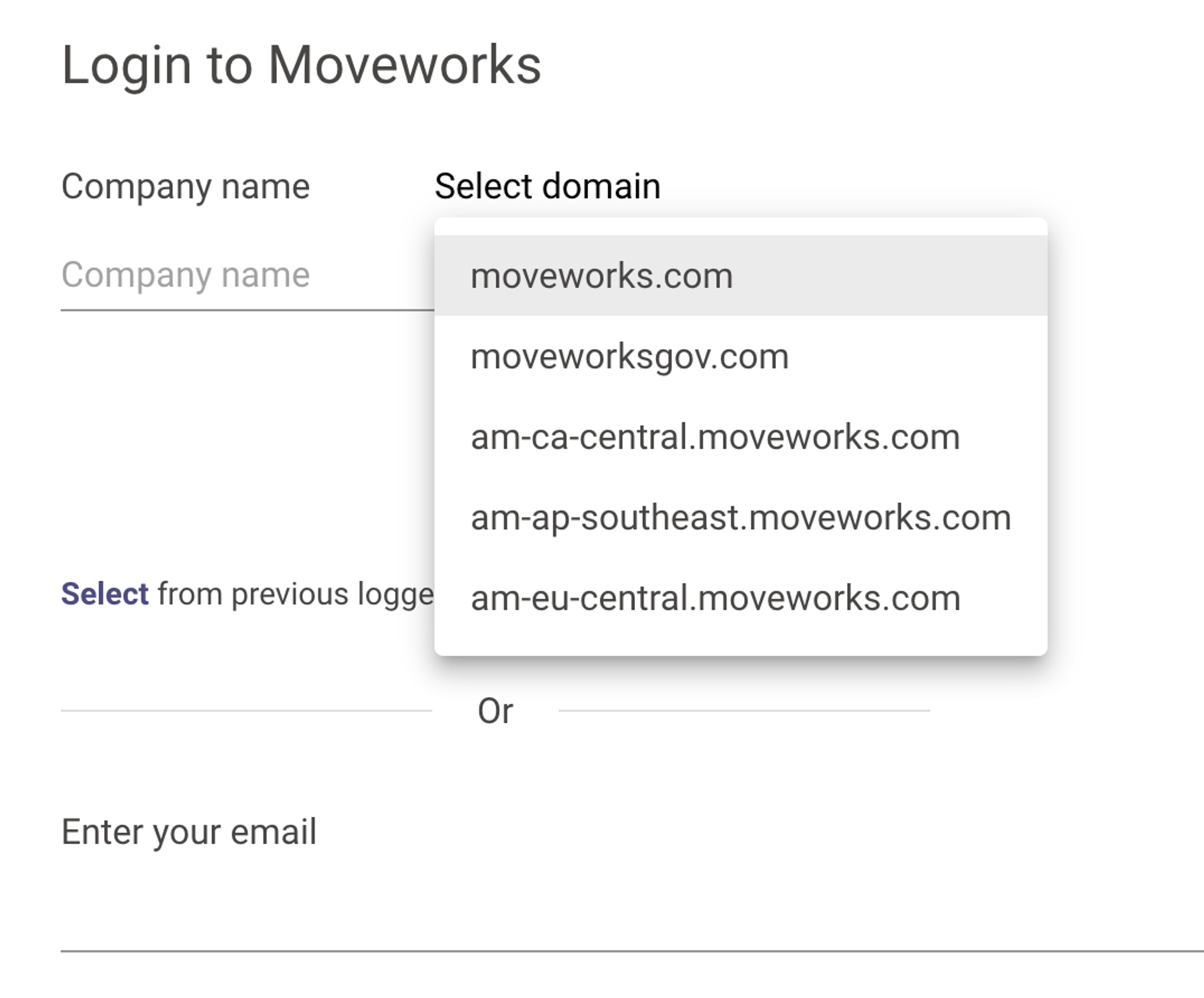
If you log in this way, make sure to check with your admin for your **company login URL** & **data center**.
Even when you log in with email, you must select the right data center by using the \*\*Select domain \*\*dropdown.
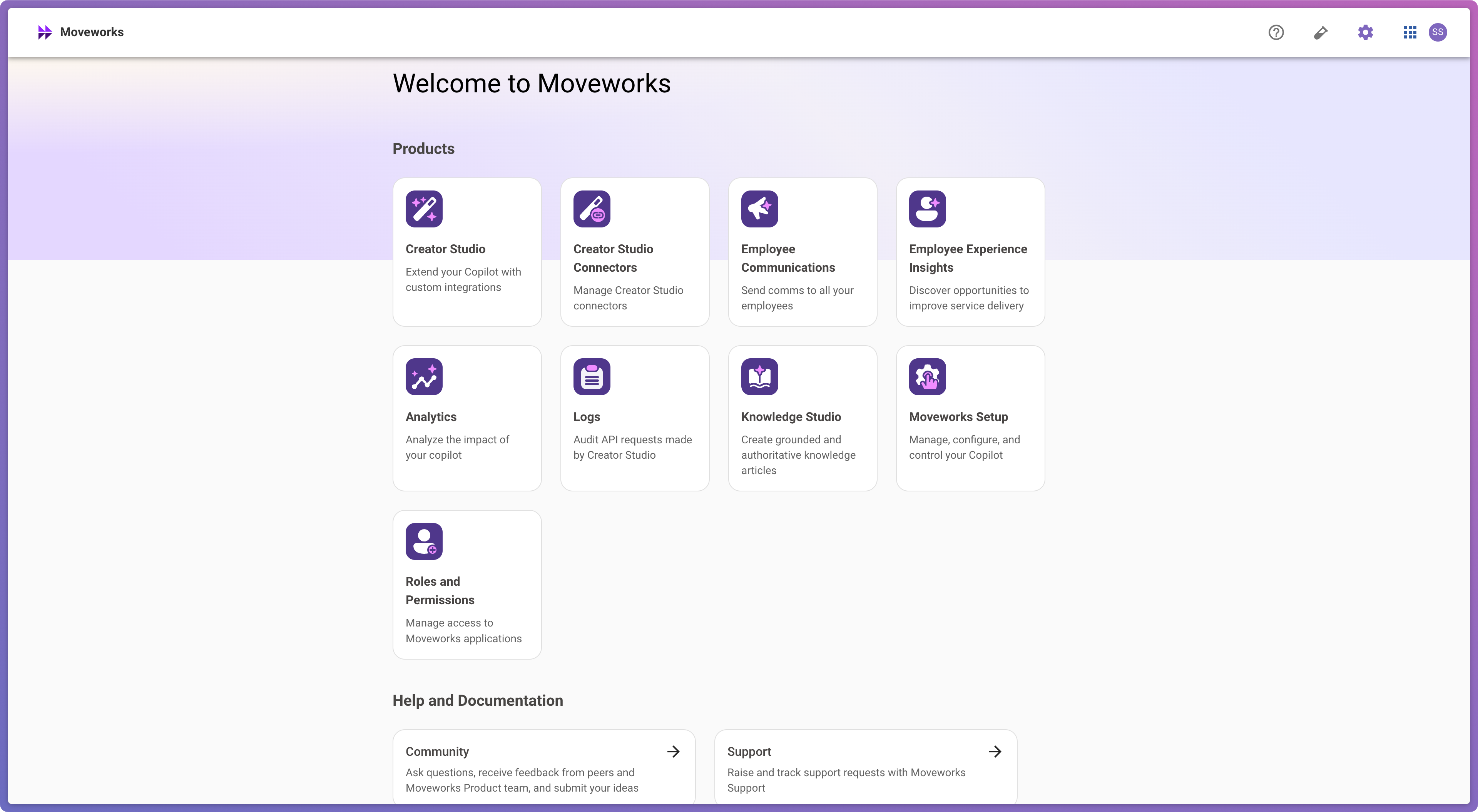
Once successfully logged in, you should see a homepage with all your licensed Moveworks applications. :white\_check\_mark:
# Troubleshooting
* **Don’t see Moveworks in your list of SSO applications?** Check that your SSO admin has enabled the application for you.
* **Can’t log into[https://my.moveworks.com](https://my.moveworks.com) with your email?** Ensure your SSO admin has granted access to your desired email address.
* **Can’t log into[https://my.moveworks.com](https://my.moveworks.com) with your SSO admin?** Ask your SSO admin to contact support to validate your SSO configuration with Moveworks.
# FAQ
## How long will I stay logged in?
By default, My Moveworks stays logged in for a period of 2 weeks. You can configure this "session lifetime" in both [Okta](https://help.okta.com/en-us/content/topics/security/policies/configure-admin-session.htm) and [Microsoft Entra (Azure AD)](https://learn.microsoft.com/en-us/entra/identity/conditional-access/howto-conditional-access-session-lifetime) to match your organization's security policy.
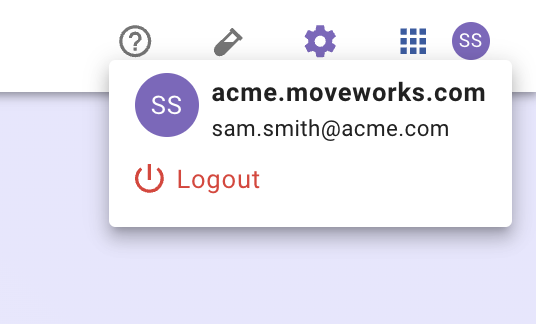
## Can I log out?
Yes – click on your user avatar > and click "Logout"
## Can I share a login URL that only targets specific data centers?
Yes. Our default ([https://my.moveworks.com](https://my.moveworks.com)) lets the user pick the data center they want to use. You can also access pages which are only for specific data centers.
| Region | URL |
| :----------------------- | :----------------------------------------------------------------------------------- |
| Canada | [https://my.am-ca-central.moveworks.com](https://my.am-ca-central.moveworks.com) |
| EU | [https://my.am-eu-central.moveworks.com](https://my.am-eu-central.moveworks.com) |
| Australia / Asia Pacific | [https://my.am-ap-southeast.moveworks.com](https://my.am-ap-southeast.moveworks.com) |
| Government Cloud | [https://my.moveworksgov.com](https://my.moveworksgov.com) |